

The video call freezes two walls from the router, in the one chair where anyone ever sits. The house does not have bad Wi-Fi. It has a radio in the wrong place — usually.
What Wi-Fi is, where its box belongs, how to read a home’s weak rooms, and the help that genuinely helps — an off-niche explainer in house format, with every claim kept general and checkable.

1. Wi-Fi at a Glance
The central entity is home Wi-Fi: the short-range radio network, broadcast by a router, that connects a household’s devices to each other and — through the service arriving at the home — to the internet. Its attributes are placement, the building’s geography of walls and floors, the two familiar radio bands, the help offered by extenders, mesh points and honest cabling, and the settings and habits that keep the network guarded and current. This explainer treats the subject in general, checkable terms only: no invented speeds, no promised performance, technologies named only as they are commonly known. The rooms the network must serve — living rooms, studies, home offices and patios — have their own surveys across this site’s home design ideas collection, linked where the radio meets them.
| Question | Short answer |
|---|---|
| What is Wi-Fi, plainly? | Short-range radio between your devices and a router — the last hop inside the home, not the internet itself. |
| What fixes most weak coverage? | Placement: the router central, high and in the open often ends problems blamed on equipment. |
| What helps a large or thick-walled home? | Help in order: an extender at the signal’s healthy edge, a mesh set of cooperating points, or cable run to a far room. |
| How do I know if the fault is the service? | Test at the source — wired to the router, or beside it. Poor there means the delivery, not the radio. |
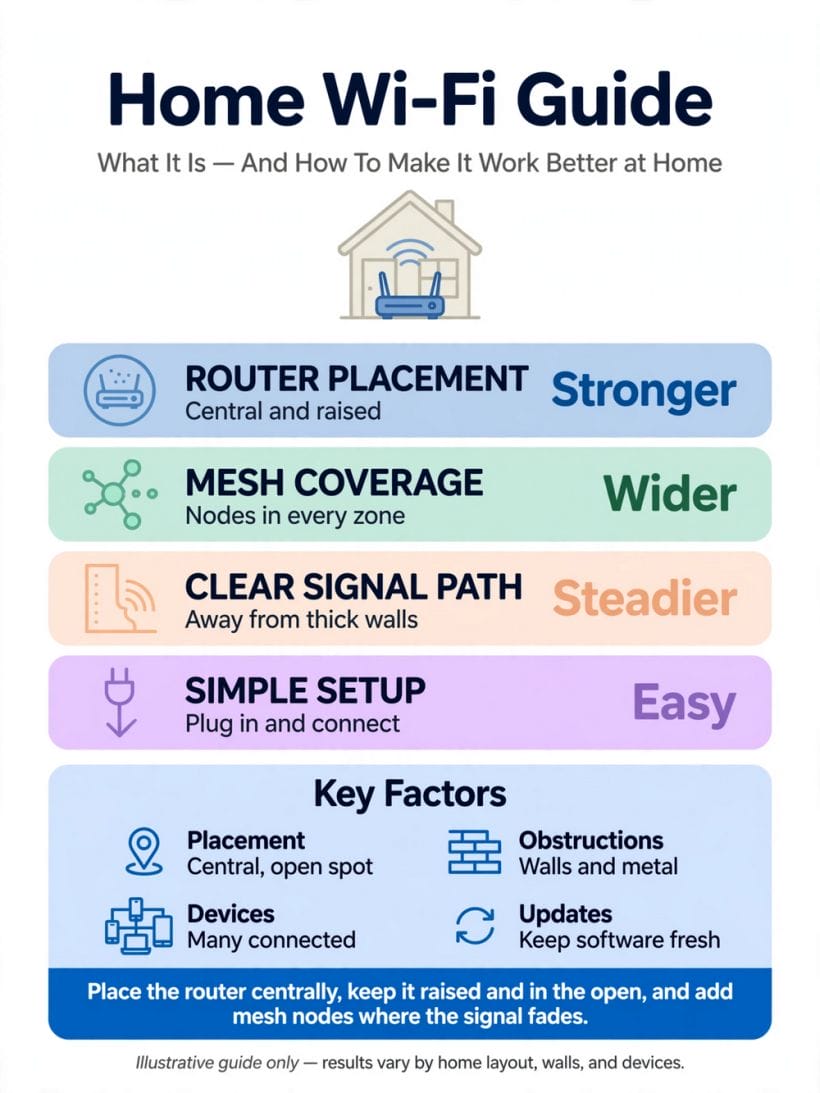
2. What Wi-Fi Actually Is: Radio, Routers and the Home Network

Wi-Fi is not a substance that flows from a socket; it is a short-range radio conversation between your devices and a box in your home, carried on invisible waves that walls, floors and furniture all tax as they pass. Understanding that one picture — radio, indoors, easily tired by distance and masonry — explains nearly every mystery in this guide, from the bedroom that never quite connects to the garden office that works only with the door open.
The router: translator between the street and the sofa
The router takes the connection arriving from outside — by cable, fibre or line, depending on the service — and re-broadcasts it around the home as Wi-Fi, while also running the home’s internal network: handing each device its place, passing messages between them, and standing as the household’s gatekeeper to the wider internet. Many homes use the combined box their provider supplied, which is modem, router and Wi-Fi point in one; larger or awkward homes may add further equipment around that heart, as later sections describe in general terms.
Wi-Fi is not the internet itself
The distinction sounds pedantic and saves hours: Wi-Fi is only the last, wireless hop inside the home. A phone can show full Wi-Fi signal while the internet beyond the router has failed entirely, and a home can have a fast service arriving at the door that its Wi-Fi then distributes badly. Every fix in this guide begins by asking which half is actually misbehaving — the delivery to the house, or the radio within it — because the remedies for the two never overlap.
The two familiar bands, in plain terms
Home Wi-Fi broadcasts on two commonly used radio bands. The lower band travels farther and passes walls more kindly, at more modest pace; the higher band is typically quicker over short range but is stopped sooner by distance and masonry. Modern routers offer both, and devices choose between them — which is why the same laptop can feel swift in the router’s room and merely adequate two walls away, on the band that reached it. Nothing in this is a defect; it is radio behaving as radio does.
3. Where the Router Lives: Placement That Decides Coverage
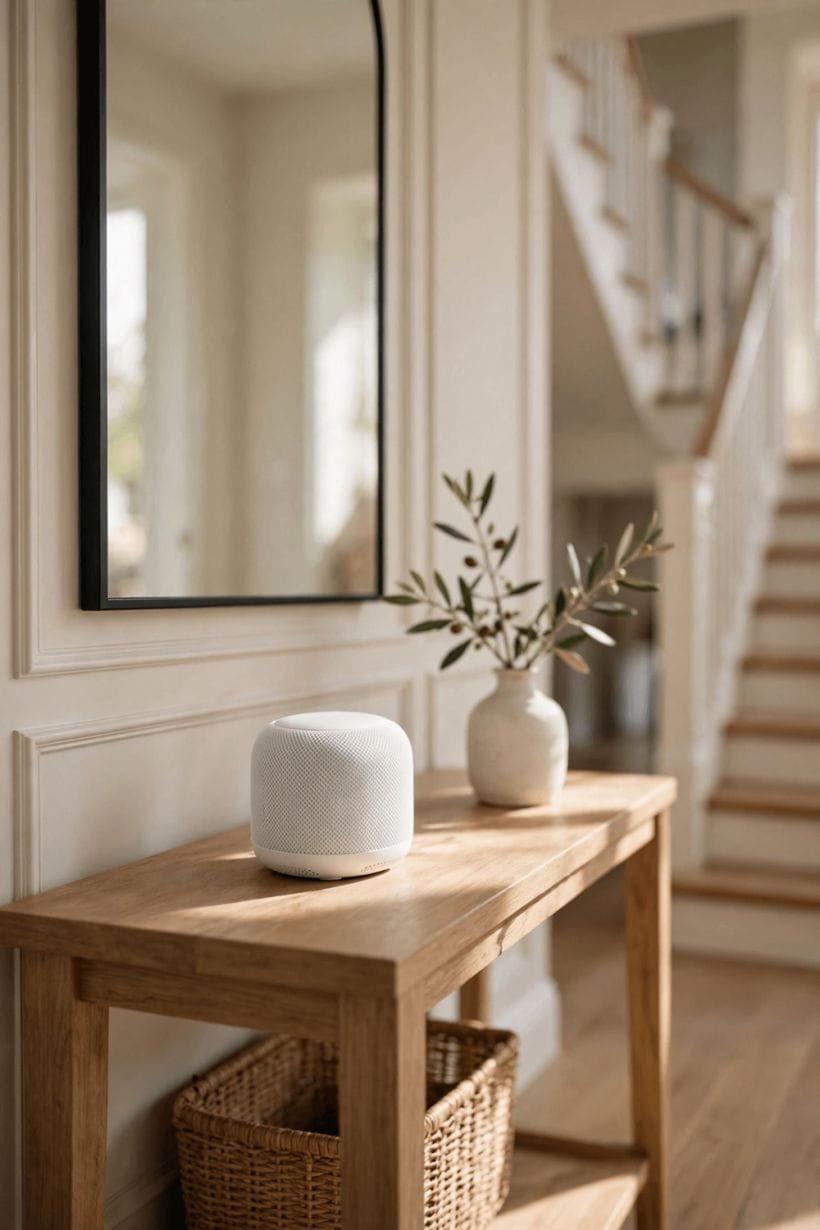
Before any purchase is considered, the router’s address deserves an audit, because placement is the single largest influence on a home’s coverage and it costs nothing to change. The pattern below recurs in home after home: the box installed wherever the line enters — a hallway floor, a skirting corner, behind the television — and the whole house thereafter blamed on Wi-Fi in general.
Central beats convenient
Radio spreads in every direction from its source, so a router at the home’s centre serves the whole plan, while one at an end wall donates half its strength to the street and the neighbours. In the long, single-storey homes and open-plan spaces of this site’s living room ideas readership, centring the router is often the entire difference between a house that works and a house with a famous dead bedroom.
High, open and unhidden
Wi-Fi travels best through open air and worst through the clutter at floor level, so the router belongs up on a shelf or wall point, out in the room’s air — not inside a closed cabinet, not behind a metal-fronted unit, not under the stairs among the paint tins. Every door, box and appliance between router and device spends signal; the audit is simply to walk the home counting what the radio must pass through.
Away from water, metal and rival radios
Large metal objects, thick masonry, mirrors, aquariums and water tanks are all unkind to the signal, and some household appliances broadcast interference of their own. A router sharing a shelf with such company works against its surroundings every hour. None of this requires instruments to fix — only the willingness to give the box a clear, central, elevated home and to test the result room by room.
4. Dead Spots: Reading a Home’s Weak Rooms
Every home has its geography of signal — strong at the router, fading with distance and walls, pooling oddly in some corners. Reading that geography honestly, with a phone in hand and the household’s real devices in mind, turns a vague complaint about bad Wi-Fi into a map with specific remedies.
Distance and the floors between
Signal fades with range in a way no setting repeals, and each floor or ceiling it must cross costs it dearly — which is why the room directly above or below a router often fares worse than a nearer room on its own level. Multi-storey homes should expect, from the outset, to help the radio reach its far floors rather than demanding one box defy the building.
Extensions, conversions and the garden rooms
The rooms added latest are usually served worst: the converted garage, the loft room, the garden studio. Their distance is compounded by the old exterior wall they sit behind — often the thickest in the house. Households working in such rooms, including the garden set-ups reached from this site’s off-grid internet readers, should plan coverage for them deliberately rather than hoping the house router’s kindness extends that far.
The tiny-house advantage — and its one trap
Compact homes are Wi-Fi’s natural winners: one open space, short distances, few internal walls, and a router whose radio reaches every corner from a single shelf. The tiny home’s trap is material rather than size — metal cladding, foil-backed insulation and mirrored surfaces can bounce and block signal surprisingly — so even here, placement deserves the same small audit: central, high, and clear of the big metal neighbours.
5. Helping Coverage: Extenders, Mesh and Wired Help

When placement alone cannot carry a whole home, the radio gets help. Three broad families of help exist, described here in general terms only — no brands, no promised speeds, because the right choice depends on the building, and honest guidance is about the shape of each option, not a shopping verdict.
Extenders and repeaters: the simple relay
An extender listens to the router’s signal and re-broadcasts it further — a relay runner passing the message on. Placed where the signal it receives is still healthy, an extender can genuinely rescue a far bedroom; placed in the dead spot itself, it faithfully rebroadcasts weakness. The relay’s placement rule is the whole craft: halfway, where the signal is still worth repeating.
Mesh systems: several points, one network
A mesh set replaces the single shout with several cooperating points spread through the home, all presenting one network name and handing devices between them as they move. For rambling, thick-walled or multi-storey houses this is generally the calmest route to whole-home coverage, at a higher cost in equipment than a single extender — a comparison this guide states qualitatively, as households should weigh it.
Wired help: the cable as backbone
The most dependable help is not radio at all: a network cable run to a far room, ending in a wired access point or a socket for a desk, carries the connection without asking anything of the walls. Homes being renovated should treat cable runs as they treat plumbing — cheap while walls are open, precious afterwards. Professional installers can advise on routes; the principle is simply that wire is immune to the geography that defeats radio.
6. Settings and Habits That Keep a Network Healthy

Coverage is placement and equipment; health is habit. A well-placed network can still be undermined by neglected settings and an unprotected gate, so this section gathers the standing practices — all general, all checkable in any modern router’s own instructions — that keep a home network sound between its good days and its bad ones.
A real password, and the guest arrangement
The home network should be protected by a strong, unique password, set by the household and not left at any printed default; most routers also offer a separate guest network, which politely fences visitors’ devices away from the household’s own computers, storage and printers. The guest arrangement is hospitality with a boundary — guests get the internet, not the run of the house’s machines — and it suits the working-from-home rooms of the study room ideas lane particularly well.
Updates, restarts and the occasional fresh start
Routers are small computers and benefit from their makers’ software updates, which arrive through the router’s own settings or companion app as the instructions describe. A restart clears a surprising share of temporary misbehaviour. And once in a long while, a network that has accumulated years of forgotten devices and inherited settings deserves a tidy reset and a clean rebuild — an hour’s housekeeping that households consistently report as oddly reviving.
Naming things so the household understands them
Where a router shows its two bands as separate networks, names that say which is which save confusion at every new device; where the router blends them under one name, the household can trust it to steer. The principle travels: every control the family can read is a control the family can use, and the router’s settings page deserves the same plain labelling as the fuse box beside it.
7. Devices and Demands: Matching the Network to Household Life

A network is only ever judged at a device, at a moment of demand. This section matches the common demands — calls, streams, lessons, games and the quiet army of smart devices — to what they actually ask of the radio, so households can tell a coverage problem from a capacity one.
Calls and streams: steadiness over speed
Video calls and streamed programmes ask less for raw speed than for steadiness: a stable signal at the seat where they happen. A call that freezes in a weak-signal chair is cured by coverage at that chair — a better-placed router, a mesh point in that room — not by a faster package arriving at a box two thick walls away. The rooms that host home working, including the desks gathered in the home office ideas collection, deserve first claim on the home’s strongest signal.
Many devices, quietly sharing
The modern home asks its network to carry phones, laptops, televisions, speakers, cameras, thermostats and doorbells at once. Each alone is modest; together they reward a router of reasonably recent generation and a layout that spreads them across its two bands rather than crowding everything onto whichever it finds first. Households adding smart devices steadily should expect, in general terms, their router’s generation to matter eventually.
The patio and garden: Wi-Fi outdoors
Summer moves the household outside, and the signal follows only as far as the wall lets it. Coverage on the terrace of the patio ideas post’s readers is best served by a router or mesh point near the garden-facing wall — radio through an open door reaches a patio kindly — rather than by expecting an indoor box to perform through brick at festival strength.
8. When the Problem Is Not Wi-Fi at All
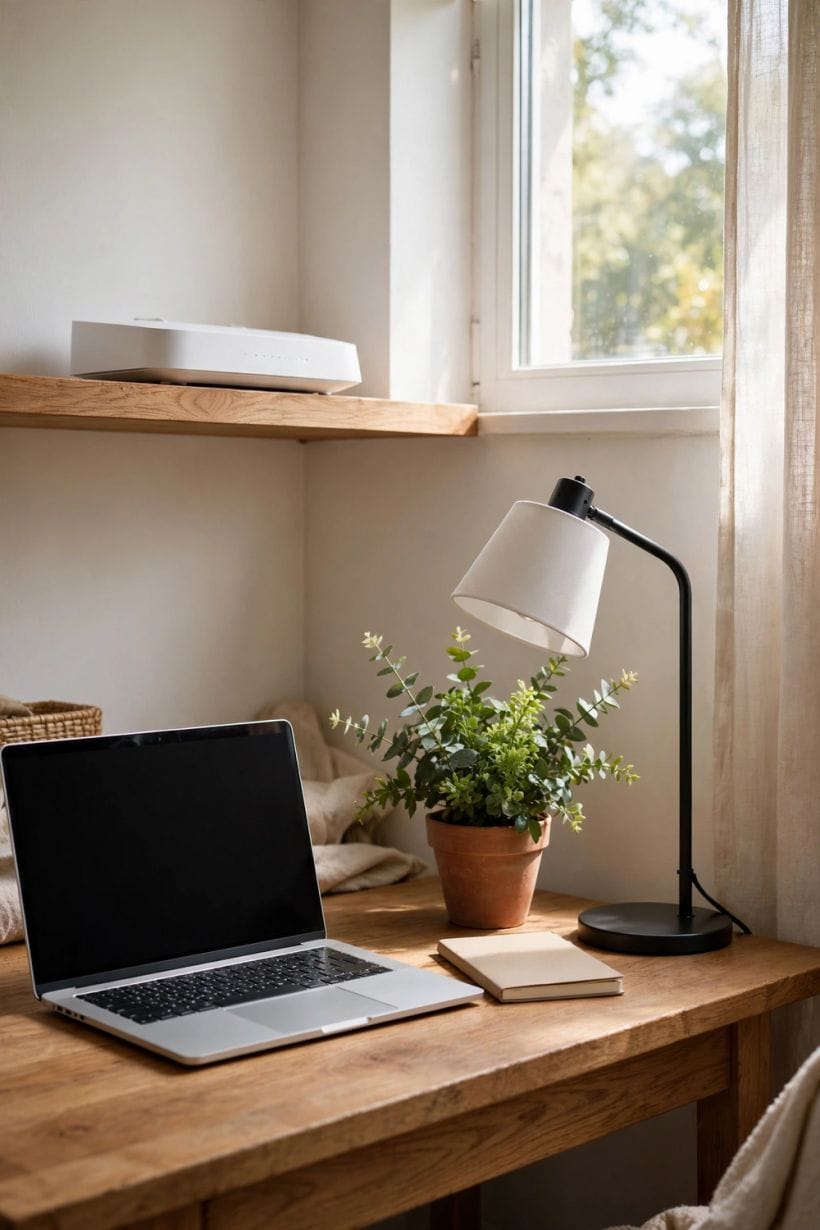
Some failures wear Wi-Fi’s clothes while living elsewhere. Before any equipment is blamed or bought, this section’s two checks — both simple, both decisive — separate the radio’s faults from the service’s, sparing households the purchase of a splendid new network distributing a broken delivery beautifully.
The wired test: judging the delivery itself
Connect a computer to the router with a cable, or stand a device beside the router where the radio is beyond suspicion, and judge the connection there. If it is still poor at the source, the fault lies in the line or the service, and the remedy lives with the provider — reported with times and symptoms noted, which providers’ fault teams genuinely work faster from. If it is swift at the source and slow in the bedroom, the radio geography is guilty and this guide’s earlier sections hold the remedies.
The old device in a young network
A single ageing device can lag in a home where everything else flies: its radio belongs to an earlier generation and speaks to the modern router in an older, slower dialect. The diagnosis is the comparison — the same task, same chair, newer device — and the honest remedy may be the device’s retirement rather than the network’s rebuild. Households should suspect the oldest screen in the room before they suspect the walls.
9. Common Mistakes: Where Home Wi-Fi Fixes Go Wrong

Most failed fixes fail in the same four places, and they are worth gathering in one section because each is avoidable with the knowledge already in this guide. None requires new equipment to recognise — only a walk around the home with the radio’s point of view in mind.
Buying before placing
The costliest mistake is purchasing extenders, mesh or a grander router while the existing box still sits in its signal-proof corner. Placement is free, instant and reversible; it should be exhausted — central, high, clear — before any money follows it. A remarkable share of homes need nothing else, which is precisely why the purchase should wait its turn.
The extender in the dead spot
An extender placed in the room with no signal has nothing worth repeating, and thereafter the house owns a device broadcasting weakness with confidence. The relay belongs at the signal’s healthy edge, tested by standing where it will live and judging the connection on a phone first. Halfway and healthy beats far and hopeful, every time.
One network name, fought over forever
Households sometimes split, rename and password their networks into a small bureaucracy that every new device must petition. The healthier pattern is simplicity guarded well: one household network with a strong password, a guest network for visitors, and settings legible to the people who live with them. Complexity is not security; clarity, kept current, is closer to it.
Blaming the radio for the line
The mirror mistake: replacing router after router while the arriving service itself stumbles, because the wired test was never run. This guide’s order of operations exists to prevent exactly that expense — test at the source, then walk the geography, then place, then extend, then buy. Followed in order, the steps are cheap; followed in any other, they are a hobby.
10. Costs and Pulling It Together
Costs in this field arrange themselves in a kind order, stated generally: placement costs nothing; settings and habits cost nothing; an extender costs less than a mesh set; a mesh set costs less than a professional wired installation; and a faster service package costs monthly, forever, while curing nothing that is the radio’s fault. The economical household spends in that order and stops at the first step that works — which is why this guide has insisted on diagnosis before purchase at every stage.
Pull the whole subject together as a single picture: a service arriving at the home, a router placed like it matters, a radio geography read honestly, help added where the building defeats one box, and habits that keep the gate guarded and the settings current. The wider home around the network lives in this site’s home design ideas collection; in the modern house, few systems reward a calm hour’s understanding as completely as this one does.
Final Considerations
Wi-Fi feels like magic on its good days and like sabotage on its bad ones, but it is neither: it is radio, indoors, obeying rules a household can learn in an article’s length. A router given a fair address, a home whose weak rooms are read rather than cursed, help added in the right order and a gate kept properly guarded — that is the whole secret, and it is enough to make the connection what it should be: the quiet, forgotten utility underneath the video call, the lesson, the film and the working day, working.




0 Comments