

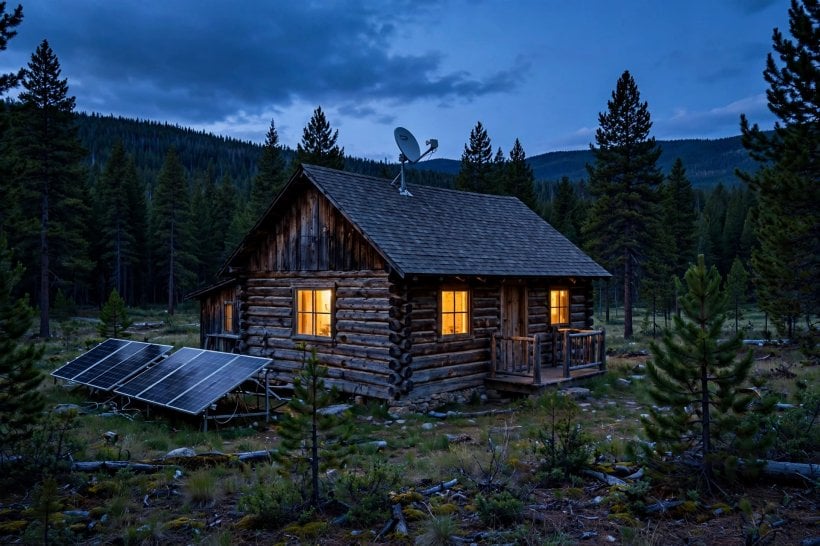
Solar humming, wood stove crackling, and not a single bar of signal. Remote work from the wilderness dies without a connection, and cell towers don’t reach the best views. The good news: staying connected from a cabin, homestead or tiny house is no longer dial-up despair. It is an engineering project — three proven roads to real broadband, each with its own costs, power budget and setup, and this guide compares them all.
1. Off-Grid Internet at a Glance
Off-Grid Internet has matured from a contradiction in terms into a genuine choice between three working technologies: LEO satellite constellations that reach anywhere with a clear sky, cellular boosters that rescue a single faint bar, and point-to-point wireless bridges that borrow a neighbor’s broadband across miles of line-of-sight. Around those three roads sit the supporting decisions — the power budget each link draws from the solar array, the backup that keeps a work call alive, and the monthly bill each option carries. The table below lays out the whole system; the sections after it take each road, watt and dollar apart in turn.
| Attribute | Detail |
|---|---|
| The Everywhere Option | LEO satellite (Starlink-class) — 50–200 Mbps with low latency, anywhere the sky is clear |
| The Dish’s Appetite | 75–100W of continuous draw — 2 kWh/day always-on; the solar budget’s biggest single line item |
| The Sky Requirement | An obstruction-free northern view inside a 100° cone — trees and ridgelines are the enemy |
| The Booster Path | Cellular: one bar at −110 dBm is boostable, and a weBoost-class booster adds 65 dB of gain |
| The Neighbor Link | A point-to-point bridge (Ubiquiti-class, 5 GHz) — 100+ Mbps across up to 10 miles of line-of-sight |
| The Cheap Watt | Cellular sips 0.2 kWh/day and runs USB-powered — a tenth of the satellite load |
| The Work Test | Video calls want 10+ Mbps up, and a UPS bridges roughly 30 minutes of power blips |
| The Hardware Bill | $600 for the satellite kit · about $500 for the booster path · $200 for a bridge pair |
| The Monthly Bill | $120 satellite · $50–100 cellular · point-to-point shared with the neighbors it serves |
| The Safety Net | Dual links — satellite as the primary, cellular as the failover — for work-critical connections |
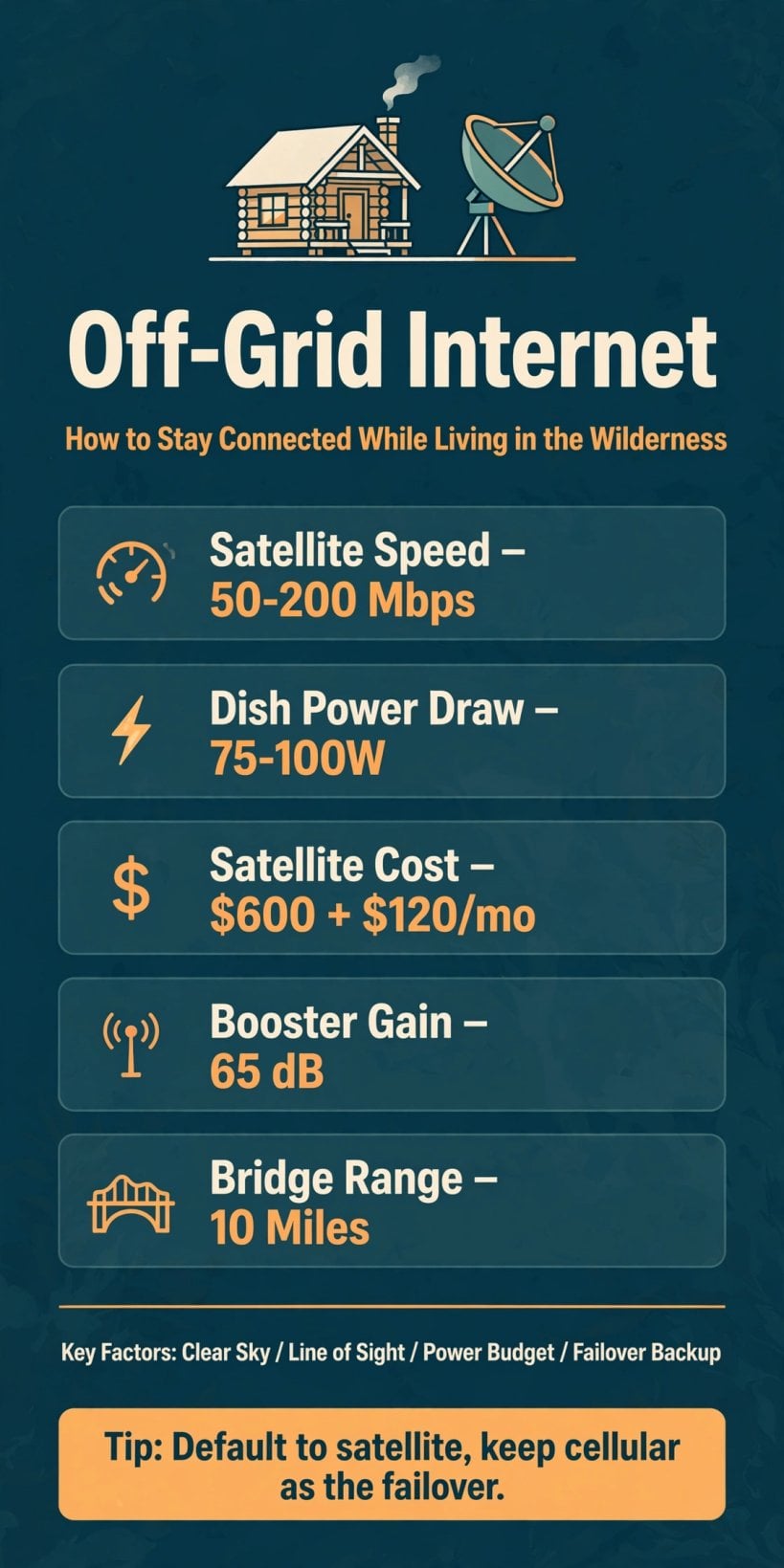
Fifty to two hundred megabits from orbit, a tenth of the power on cellular, and a bridge to the neighbors — the three roads to a working wilderness connection on one card.
Read the table as a decision tree rather than a ranking. Satellite is the default because it asks nothing of the landscape except sky — but it is the power-hungry option, and its 2 kWh/day has to be designed into the array from the start. Cellular is the cheap watt and the cheap bill, but it exists only where a tower’s edge already reaches. Point-to-point is the cheapest and fastest of all where it works, and the most conditional: it needs a cooperative neighbor, a broadband source and an unobstructed line between two points. Most real wilderness setups end up hybrid — one primary link, one failover, and a power system sized for both.
2. Satellite: The Everywhere Option
Low-earth-orbit satellite is the game-changer the original names first, and the reason is coverage: a LEO constellation — the Starlink class — delivers 50–200 Mbps with low latency to any clearing on Earth, with no tower, no cable and no neighbor required. That anywhere quality is what makes it the standard against which the other options are judged: if a site can see the sky, it can have broadband. For the truly remote property — the no-tower valley, the ridge beyond the last pole — satellite is not the best option but the only one, and its arrival is what turned wilderness remote work from a fantasy into a line item.
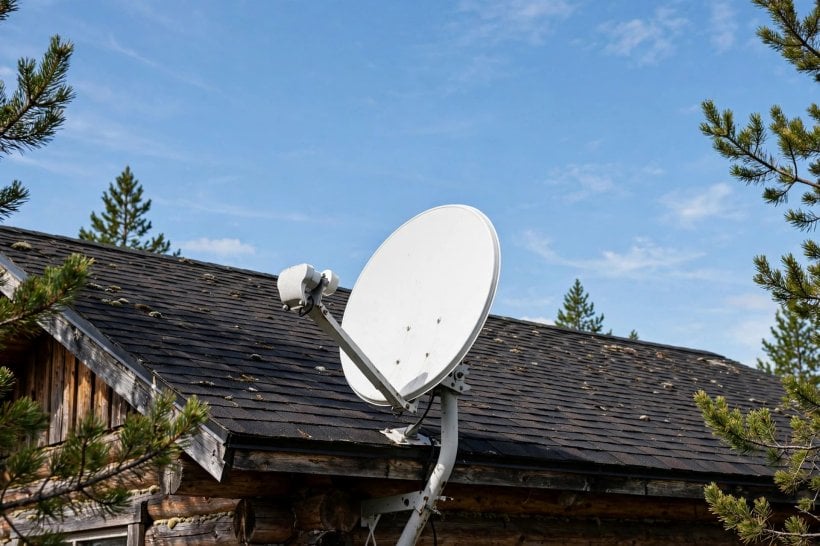
The setup demand is the sky view. The dish needs a clear, obstruction-free northern view inside a 100° cone — a wider appetite for sky than most people expect, and the reason dish placement is a site-survey exercise rather than a guess. Trees that look harmless in winter leaf out into obstructions by summer; a ridgeline that clears the cone at noon may not clear it across the dish’s whole field. Walk the property, find the clearing or the roofline that owns the northern sky, and the everywhere option becomes genuinely everywhere. That site-first thinking belongs to the same discipline as scoring land for eco-living before you buy — exposure and access are worth points precisely because systems like this one depend on them.
3. Cellular: The Booster Path
Cellular is the opposite bet: instead of importing a signal from orbit, it rescues the one that is already almost there. The threshold the original gives is precise — one bar, around −110 dBm, is boostable. Below that floor there is nothing to amplify; at or above it, a booster system can turn a whisper into a working connection. The hardware is the weBoost class: $400–800 buys a booster with 65 dB of gain, a directional antenna aimed at the tower, and a fully legal setup. Direction is the craft in it — the antenna goes high, often on a ridge-top mount, and points at a tower that may be most of the 5-mile practical radius away.
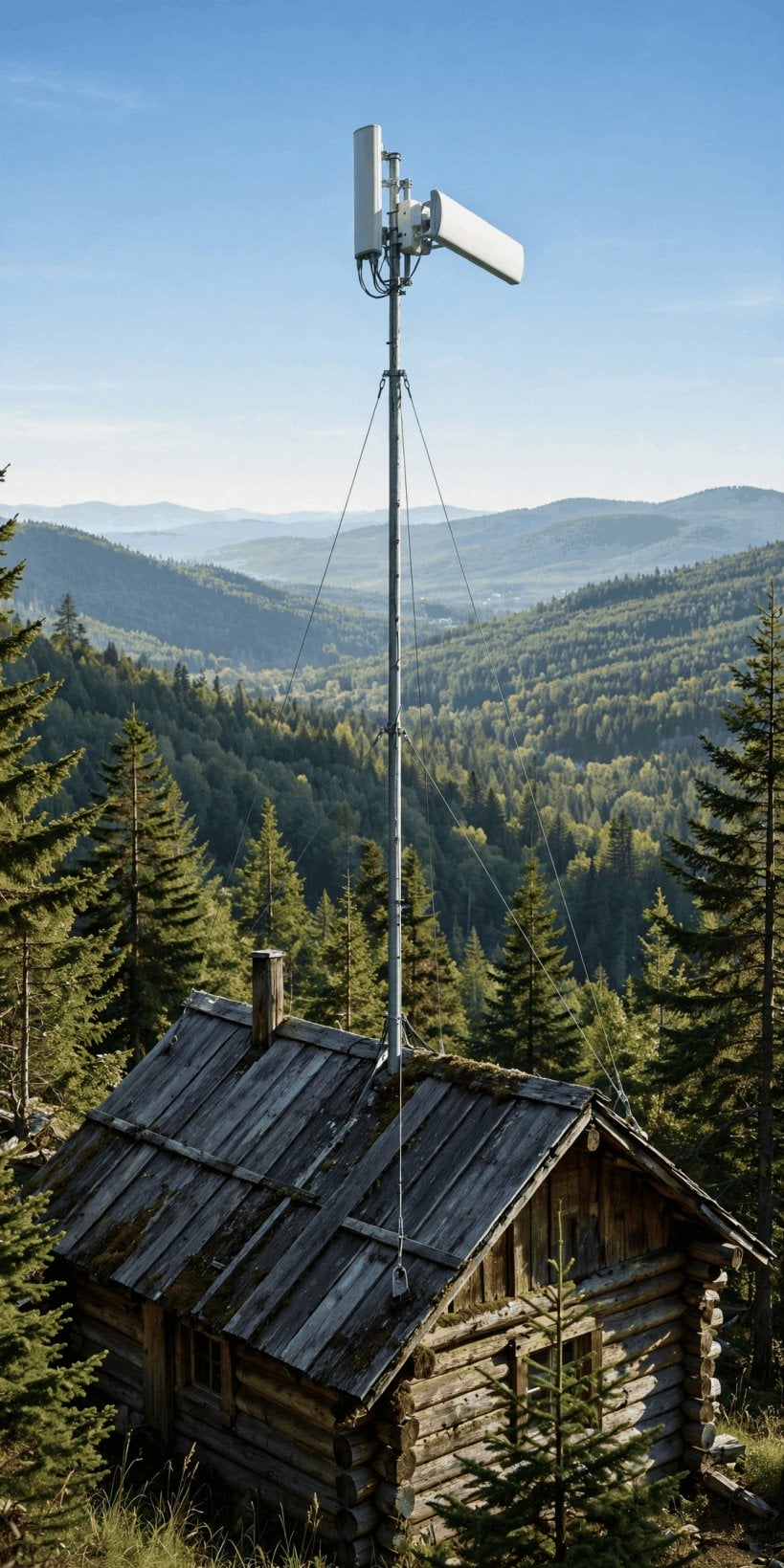
On top of the boosted signal sits the data arrangement: a dedicated hotspot on one of the carriers’ unlimited plans, with one caveat the original states plainly — deprioritization. When the tower is busy, hotspot traffic can be slowed behind handset traffic, so the unlimited plan is unlimited in volume rather than in guaranteed speed. For the near-tower property, though, the arithmetic is compelling: the booster path is the cheap road in, and as the power section below shows, it is cheaper still to run. The discipline is honesty about the starting signal — measure the bars at the antenna site before spending the $400–800, because gain multiplies what exists and cannot create what doesn’t.
4. Point-to-Point: The Neighbor Link
The third road is the cooperative one. A point-to-point wireless bridge — the Ubiquiti class, running at 5 GHz — throws a broadband connection across open country: a $200 pair of radios, a range of up to 10 miles, and real speed at the far end, 100+ Mbps shared with whoever the link serves. One end sits where broadband already exists — a friend’s house, a community building, a tower with service — and the other end lands at the off-grid property, where the arriving connection becomes the homestead’s own. The cost splits with the sharing, which is why the original files this option under community: neighbors, co-ops and the small local WISPs that grow out of exactly this arrangement.
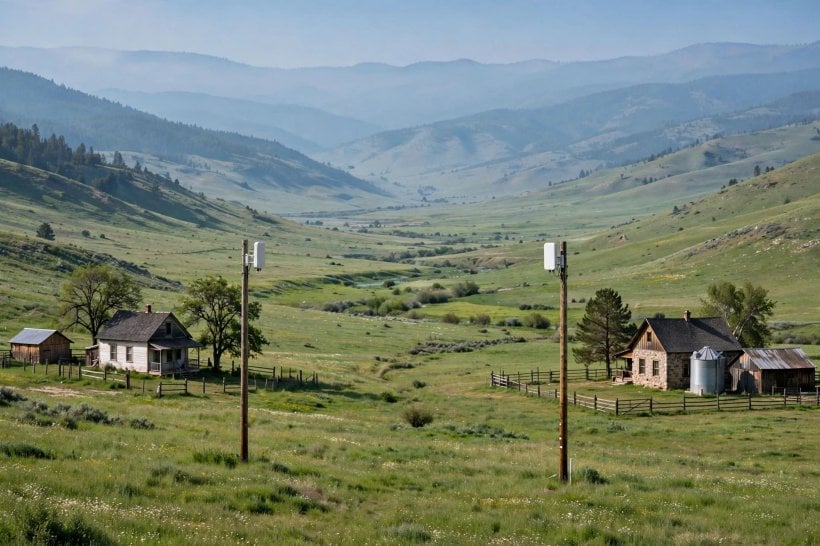
The requirement is absolute and geometric: line-of-sight, with a clear Fresnel zone — the invisible ellipsoid around the beam’s path that must stay free of trees, terrain and structures for the link to hold its speed. That is why bridges live on towers, poles and ridge tops, and why a relay — an intermediate point that sees both ends — is the standard answer when one hop cannot see the other. Survey the path honestly before buying the pair: a link that clears in winter may sag into foliage by July. Where the geometry works, though, no other option touches it — fiber-class speed at the lowest hardware cost in this guide, bought with cooperation instead of subscriptions.
5. Mesh: Spreading the Signal Around the Property
Every option so far answers the arrival question — how broadband reaches the property. The original’s comparison list names one more family, mesh, and it answers the distribution question: how the connection, once landed, covers a homestead that is not one room. A wilderness property is a scatter of demand points — the cabin desk, the workshop, the barn, the guest tiny house — and a single router at the arrival point rarely serves them all through walls, trees and distance. Mesh networking spreads the one link across cooperating nodes, each handing the signal to the next, so the connection that arrives at one mast becomes usable at every building.
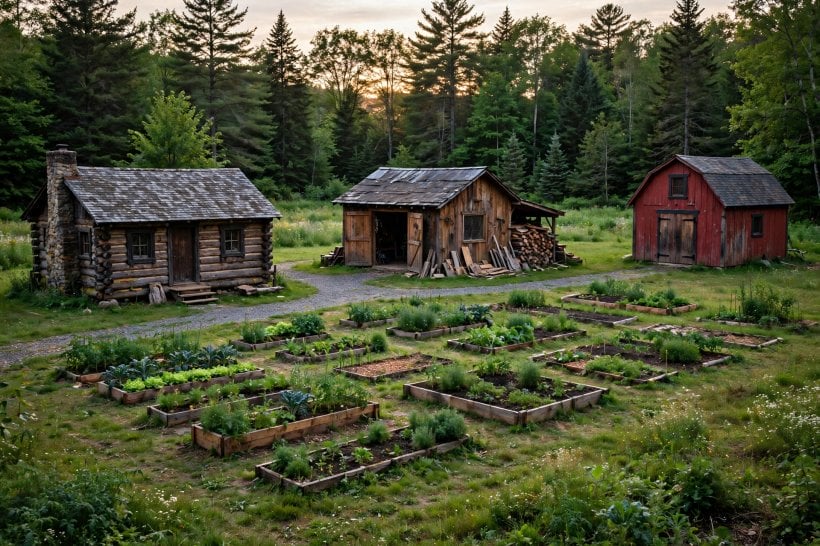
Mesh is best understood as the last hundred yards rather than a rival to the three roads: it multiplies whichever arrival link the property runs — satellite, boosted cellular or a bridge — across the site. That framing keeps the budget honest. The arrival link decides speed, latency and the monthly bill; the mesh decides whether that service exists at the desk where the work happens and the bench where the tools are. Plan the two layers separately: choose the road in by the tests in the sections above, then distribute it by walking the property and counting the structures a single router cannot honestly reach.
6. Powering the Connection: The Electrical Budget
Connectivity is a load, and off-grid, every load is a design decision. The satellite dish is the heavy one: 75–100W of continuous draw, which the original totals at 2 kWh/day for an always-on dish — a line item large enough to size the solar array around, and hungrier still in snow-melt mode, when the dish heats itself clear. The original’s mitigations are electrical: DC conversion saves the losses of running the dish through an inverter, and the array is sized with the dish counted from the first panel, not discovered after. Everything else the homestead runs competes with this appetite, which is why the sizing method in how much solar power a tiny house needs treats continuous loads as the budget’s foundation.
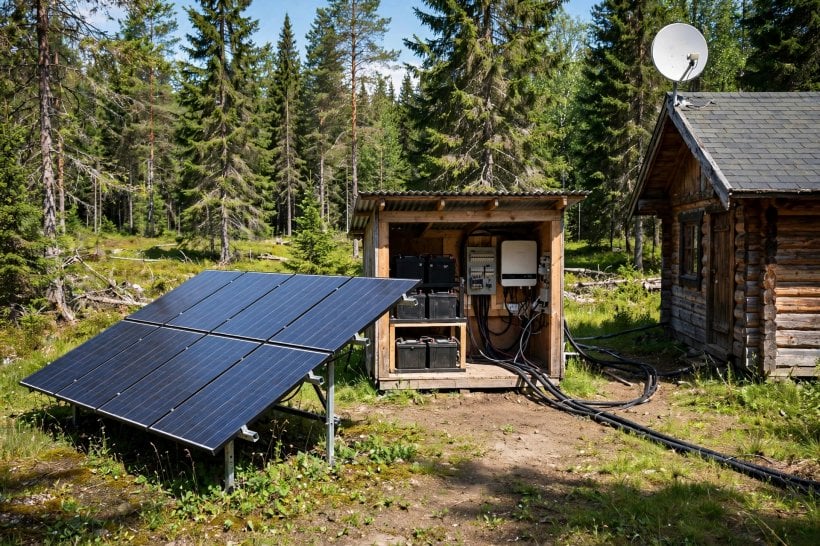
Cellular sits at the other extreme: 0.2 kWh/day — a tenth of the satellite figure, simple division on the original’s own numbers — and USB-powered, the trivial load that can simply always stay on. Point-to-point bridges and mesh nodes live closer to the cellular end of the scale than the dish end, another quiet argument for the cooperative road where it is available. The practical craft is matching link to budget: the same array that laughs at a booster groans under a dish in a dark December, and the household’s other solar loads — charging an electric bike from the same off-grid array, or the pocket-sized gear in the roundup of the best solar chargers for e-bikes and portable electric vehicles — all draw from the same daily harvest the dish does.
7. The Work Setup: Remote-Ready
The test every setup in this guide ultimately faces is a work call. The original’s benchmark is 10+ Mbps up — the upload headroom a video call actually needs — and satellite meets it as a matter of course, which is why the Starlink-class link is the work default. The craft around it is scheduling: weather presses on satellite performance, and the remote-ready habit is to place the heaviest calls with the forecast in mind rather than discovering the storm on camera. A connection that browses beautifully can still fail the work test, so measure the upload, not the advertised download, before calling a setup finished.
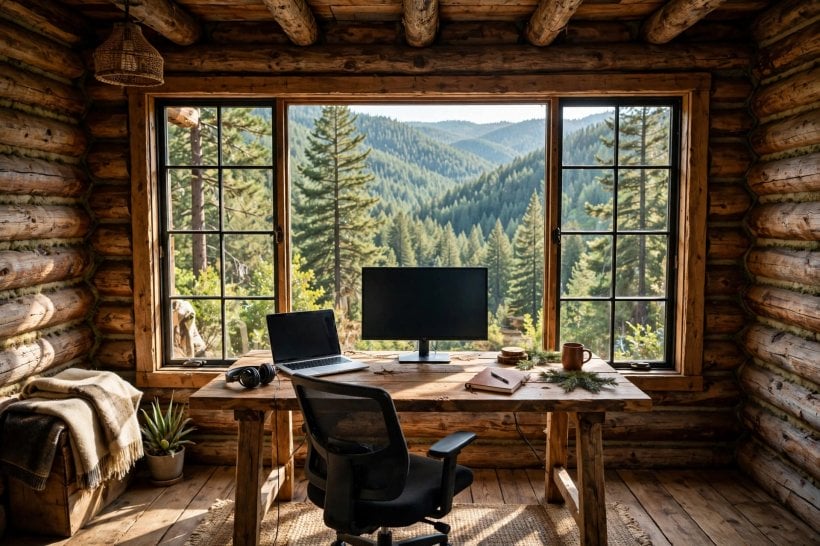
Two supports complete the wilderness office. The first is power continuity: a UPS — the blip’s bridge, roughly 30 minutes of backup — which the original calls the meeting’s saver, because the cost of a dropped connection is rarely the minute offline; it is the call that mattered. The stored-power side of that bridge is the same technology surveyed in the comparison of off-grid power stations. The second support is ergonomics, stated without apology in the original: the chair and the monitor, the wilderness desk — the comfort that makes a remote job sustainable from a cabin for years rather than survivable for a season.
8. Redundancy: The Failover Safety Net
The original’s structural advice is redundancy: run dual links — satellite plus cellular — with failover between them, because a work-critical connection should not have a single point of failure. The pairing is natural. Satellite is the primary, the everywhere option with the speed the work test demands; cellular is the backup, the cheap watt that sips 0.2 kWh/day and can idle powered indefinitely, ready for the day the dish is snowed under, obstructed or down. Each link covers the other’s characteristic failure: the tower path does not care about the northern sky, and the satellite does not care whether the tower’s edge reaches the valley.
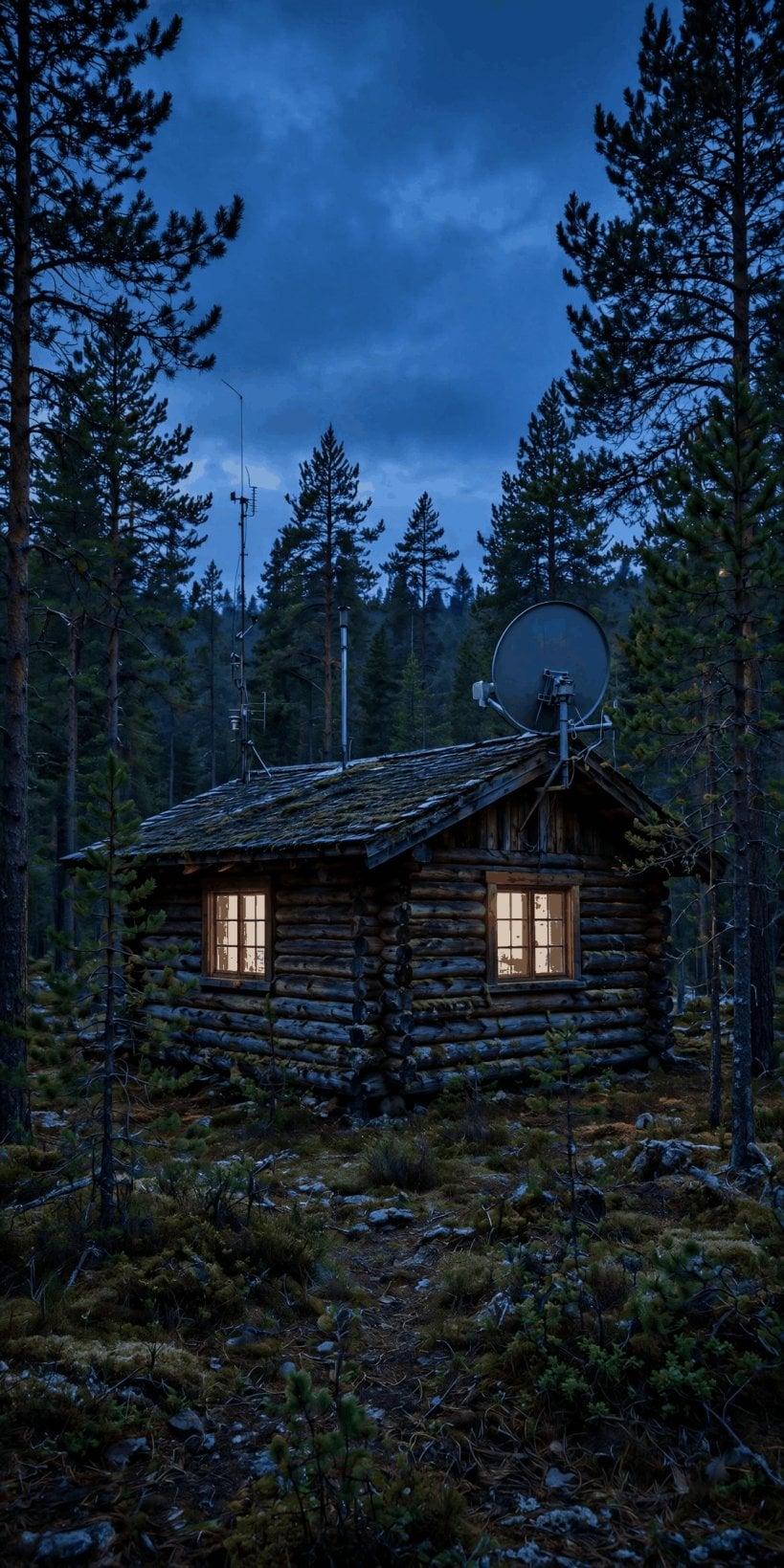
Failover thinking also disciplines the smaller choices. The UPS bridges the seconds-to-minutes failures; the second link bridges the hours-to-days ones; and the mesh layer means a failure at one node is a dead corner, not a dead property. None of this requires enterprise thinking — it requires listing, for each thing the connection depends on, what happens when it stops, and spending the modest money exactly where the answer is “the workday ends.” Redundancy is the cheapest insurance in the whole setup, priced against the one commodity the wilderness worker cannot replace: a reputation for being reliably reachable.
9. Costs: The Connected Budget
The three roads price out cleanly. Satellite: $600 of hardware plus $120/month — the standard, and the original’s verdict is the worth-it, because it is the only road that reaches everywhere. Cellular: about $500 for the booster path — the original’s hardware figure for the booster itself sits within the $400–800 booster range — plus $50–100/month for the hotspot plan: the cheaper road, and the conditional one, existing only where a boostable bar does. Point-to-point: $200 for the pair, with the ongoing cost shared among the neighbors the link serves — the cheapest road of all, bought with line-of-sight and cooperation.
Read the budget whole, not per line. The satellite’s true cost includes its slice of the solar array — 2 kWh/day of capacity is panels and battery bought for the dish — while the cellular path’s true cost includes the antenna mast and the survey honesty to walk away if the bar isn’t there. The bridge’s true cost includes the relationship: a share in a co-op, a favor owed, a relay hosted on someone’s ridge. Set against what the connection enables — a full remote income from land that costs a fraction of city housing, the trade at the heart of homesteading economics and financial independence off-grid — every road in the table is inexpensive. The expensive option is the one that doesn’t hold a call.
10. The Future: More Constellations, Direct-to-Cell
The direction of travel is all one way. More satellites are coming — more constellations in orbit — and the original reads the consequence plainly: competition, working on prices and on speeds, in the customer’s favor. The second development removes the dish from the picture entirely: direct-to-cell, the satellite-to-phone connection now on the horizon, in which the handset itself talks to the constellation and no ground hardware stands between the wilderness and the network. For the booster and bridge roads, that horizon matters too — a phone that can reach orbit from any clearing resets the floor beneath every option in this guide.
The trend underneath both is the one the original closes on: broadband’s expansion toward everywhere, the wilderness’s connection becoming ordinary rather than engineered. That future strengthens the decision to build now rather than wait — the setup bought today rides improving constellations and falling prices, while the site work (the sky survey, the mast, the array sized for the load) only grows more valuable. It belongs on the same long-horizon checklist as choosing the land itself, alongside the geographic thinking in where to move to survive climate change: pick the place for the decades, then connect it with the best of what the decade offers.
Final Considerations
Default to LEO satellite — the everywhere option, budgeted honestly as a 100W solar line item and 2 kWh/day. Boost cellular wherever a bar exists — the cheap watt and the cheap bill, and the natural failover standing behind the dish. Bridge point-to-point where neighbors share — the fastest, cheapest road, bought with line-of-sight. Power it all from the array, sized for the load from the start. The wilderness no longer means disconnected: the signal finds a way, and now so can you.



0 Comments