

Mount a TV too high and every film night ends with a sore neck; mount it too low and it fights with furniture, radiators and passing elbows. The ideal height for tv viewing is not a magic number on a tape measure. It comes from your seat, your screen and your room, in that order. Work through the checks below before you drill a single hole.
1. The Ideal Height for TV at a Glance
Most mounting mistakes happen because people measure from the floor instead of from the sofa. Start where you actually sit, and the rest of the decisions fall into place. This quick question-and-answer table sums up the whole guide.
| Question | Answer |
|---|---|
| What is the one rule that matters most? | When you are seated, your eyes should rest naturally on the middle of the screen, or a little above its centre, without lifting or dropping your head. |
| Should the TV be higher in a bedroom? | Usually yes, a touch higher than in a living room, because you watch propped up on pillows rather than sitting upright. |
| Does a bigger screen change the height? | It changes how it feels: a large screen fills more of your view, so small height errors are easier to notice and worth testing carefully. |
| Is above the fireplace a good spot? | Only with care. It is usually higher than ideal, so a tilting mount and honest testing matter, and always follow the fireplace and TV makers’ guidance on heat. |
| What if several seats are at different heights? | Mount for the seat used most often, and consider a tilting or full-motion mount to share the comfort. |
| How do I check before drilling? | Tape the screen outline on the wall, sit down, and live with it through a whole programme before committing. |
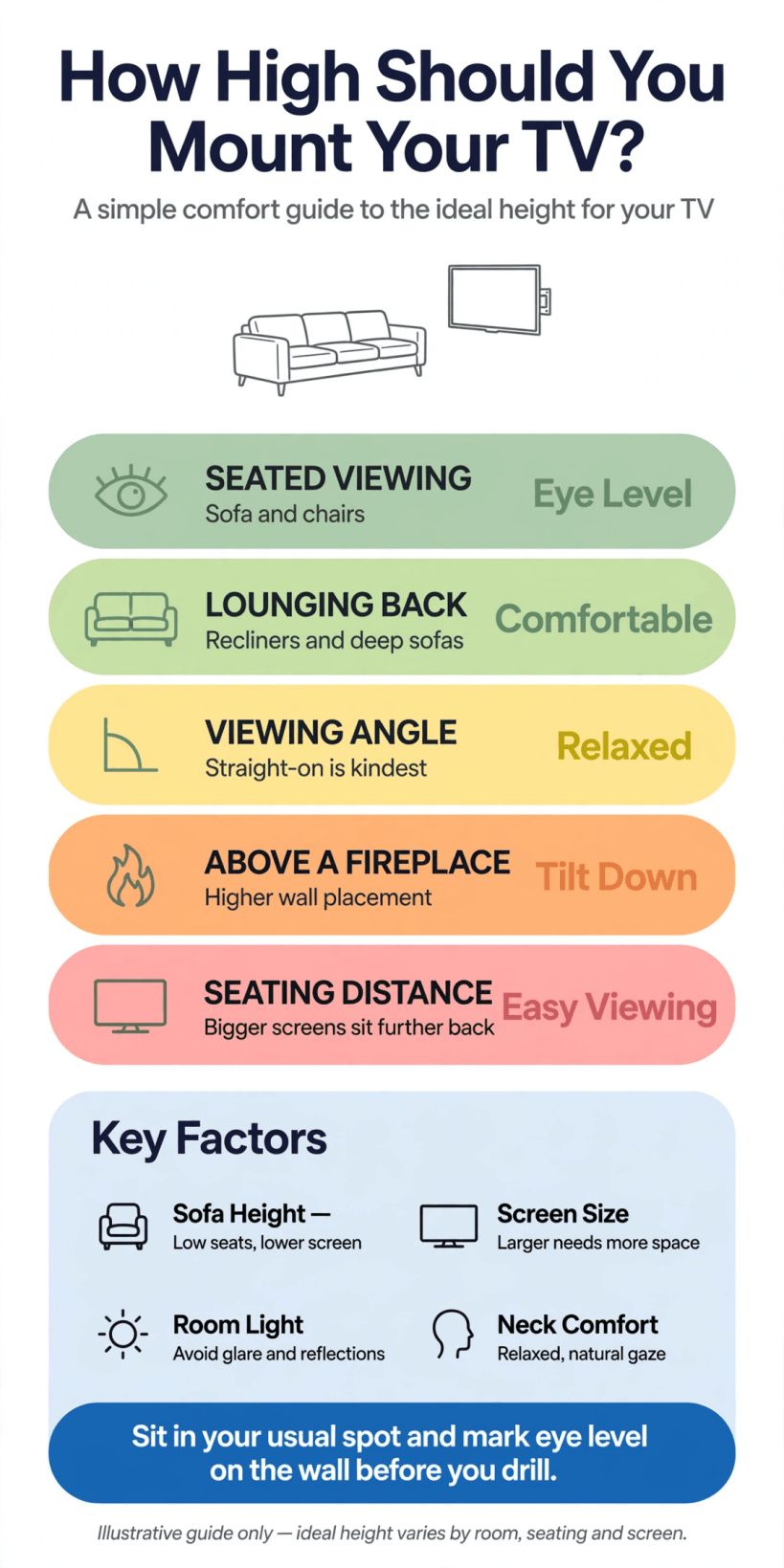
The short version: sit in your usual seat, find your natural eye level, and let the centre of the screen come to your eyes, not the other way round.
2. Start From Your Seat, Not the Floor
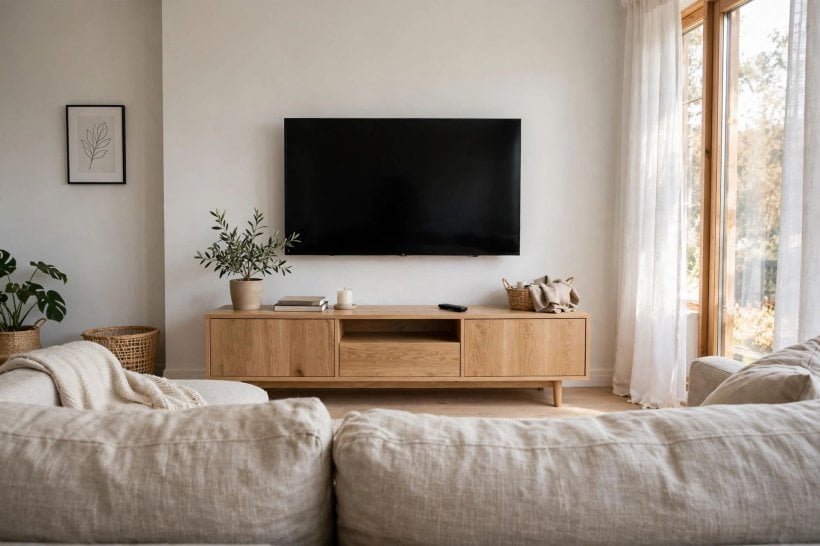
Every useful measurement in this guide begins in the same place: sitting down. Sit in your usual spot, in your usual posture, slumped or upright exactly as you watch in real life, and look straight ahead at the wall. The point your eyes settle on is the neighbourhood your screen centre should live in. Ask someone to mark it lightly, then work outwards from there. Measuring from the floor alone ignores the fact that a deep, low sofa and a firm, upright armchair put your eyes in completely different places.
Households rarely watch from one seat, so repeat the exercise from the other regular spots: the corner of the sectional, the reading chair, the end of the bed. You are looking for the comfortable overlap, the height that serves the main seat perfectly and the others well enough. This seat-first thinking is the same approach that makes tiny house living room ideas work in small spaces, where the furniture you already own decides the layout, and everything else is arranged to serve it.
A helper makes this stage far more accurate. While you sit and look ahead, they can hold a tape or a strip of painter’s tape at your eye line and transfer the mark to the wall without you moving and changing your posture. Mark the eye line from each main seat in a different colour if it helps, then look at the spread: where the marks cluster is your target zone, and outliers from occasional seats can be served later by the tilt of the mount rather than by moving the whole screen.
3. Eye Level Is the Anchor
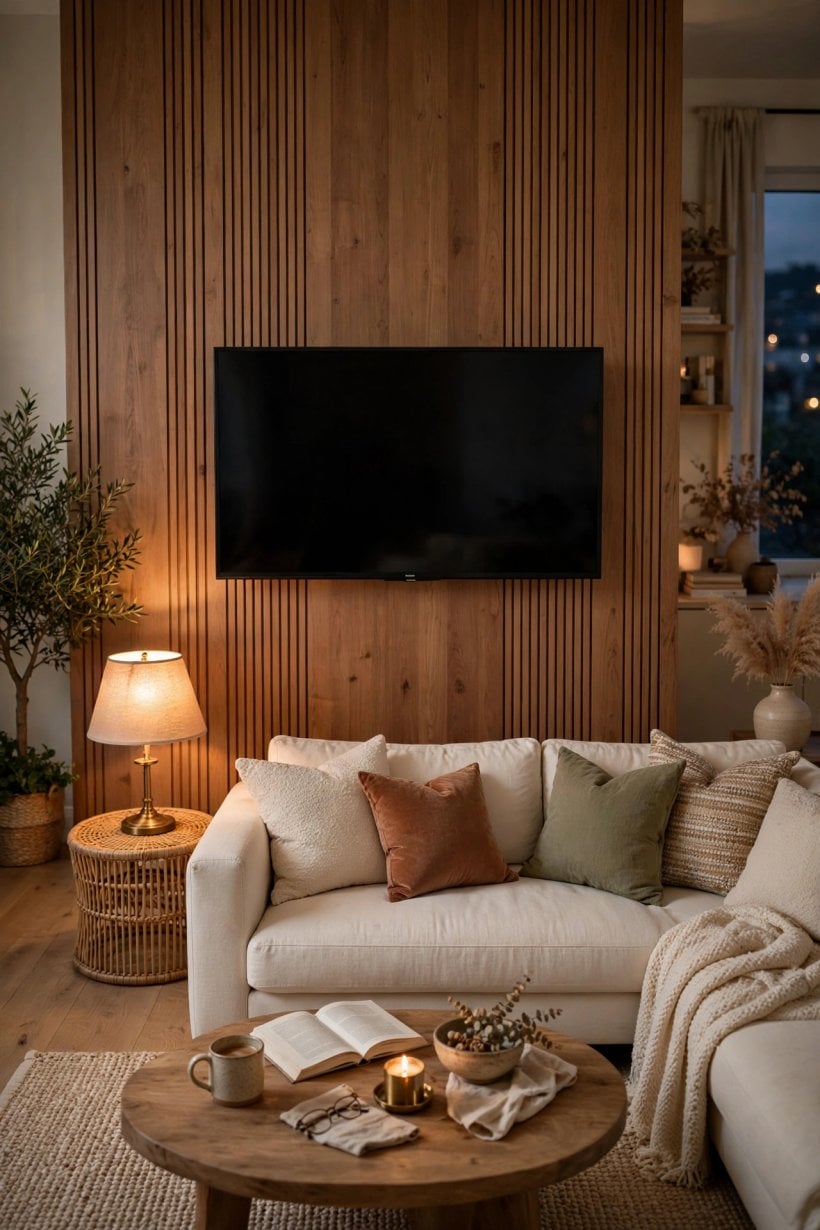
Comfortable viewing feels effortless because your head stays level and your eyes rest near the middle of the picture. If the screen sits too high, you hold your chin up for the length of a film, and the strain creeps in slowly enough that people often blame the sofa. Too low is less common but just as tiring, and it also puts the screen in the firing line of coffee tables, toys and feet on footstools.
A gentle downward or upward glance for short programmes is neither here nor there; it is the long sessions, films, matches and gaming marathons, that punish a bad height. Viewers who recline can comfortably accept a screen placed a little higher, because their eye line naturally tilts up. Viewers who sit upright at a desk or dining chair need the screen nearer true eye level. Treat your own posture as the specification, and be suspicious of any single universal number that claims to fit every seat, screen and household.
4. Screen Size and Viewing Distance
Height does not act alone: it interacts with how big the screen is and how far away you sit. A modest screen viewed from across a small room can sit slightly higher without complaint, because your eyes take in the whole picture with room to spare. A very large screen fills far more of your field of view, so its centre matters more, and sitting closer exaggerates every degree of tilt in your neck.
If you are choosing the screen and the height together, settle the seating distance first, then the screen size that feels immersive without making you scan side to side, and only then fix the height by the eye-level rule. In compact homes this order matters even more, because the wall, the sofa and the screen are all close neighbours. The room tours in our colorful tiny house interior feature show how small living spaces stay comfortable when each big piece is placed for the people using it, not for the photograph.
Think ahead, too, about the screen you might own next. Households tend to replace a TV with a larger one, and a larger screen centred on the same point will spread further up and down the wall. If an upgrade is likely in a year or two, leaving a little breathing room above and below the current screen, and choosing a mount whose bracket suits a range of screen sizes, saves you re-drilling later. Height chosen for today’s screen but with tomorrow’s in mind is the quiet mark of a well-planned wall.
5. Different Seats, Different Answers
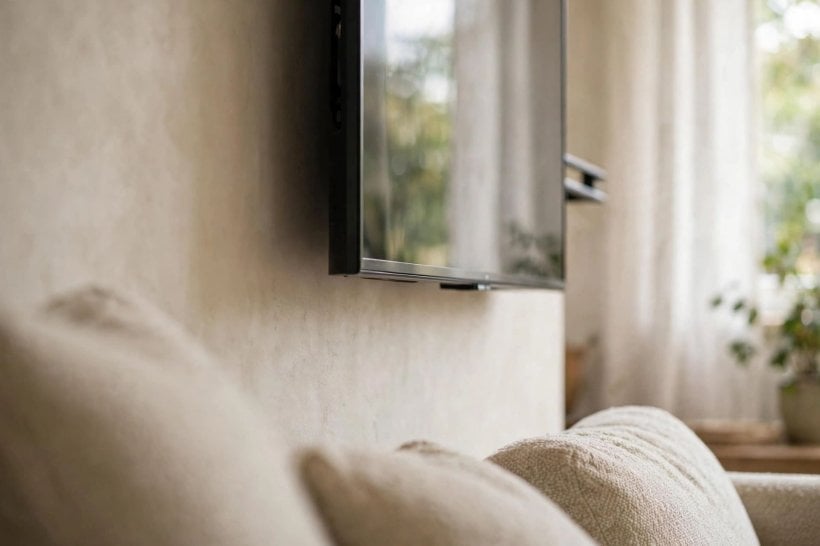
A living-room sofa, a bed and a kitchen stool ask for three different screens heights, and pretending otherwise is how uncomfortable mounts happen. For sofa viewing, the eye-level rule from a relaxed seated position is the whole story. In a bedroom, you watch reclined against pillows, your eye line angled up and your eyes further from the screen, so the TV can sit somewhat higher and still feel natural, especially on a tilting mount that angles the picture down toward you.
Kitchen and dining viewing is usually standing, snacking or perched briefly, so a higher mount that clears counters and heads can make sense there, accepting that it is a convenience screen rather than a cinema. Children change the maths again: their eye level is lower, and a height chosen for adults alone can leave them craning. If the TV mainly serves family viewing, test from the smallest regular viewer’s seat too. Our tiny house bedroom ideas apply the same principle to screens, mirrors and lights in sleeping spaces: place them for the posture you are actually in.
6. Read the Room: Fireplaces, Windows and Doors
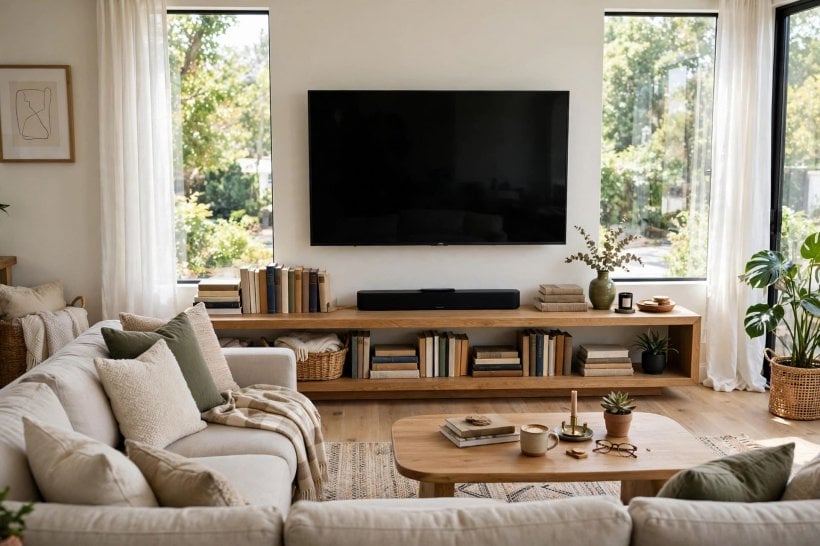
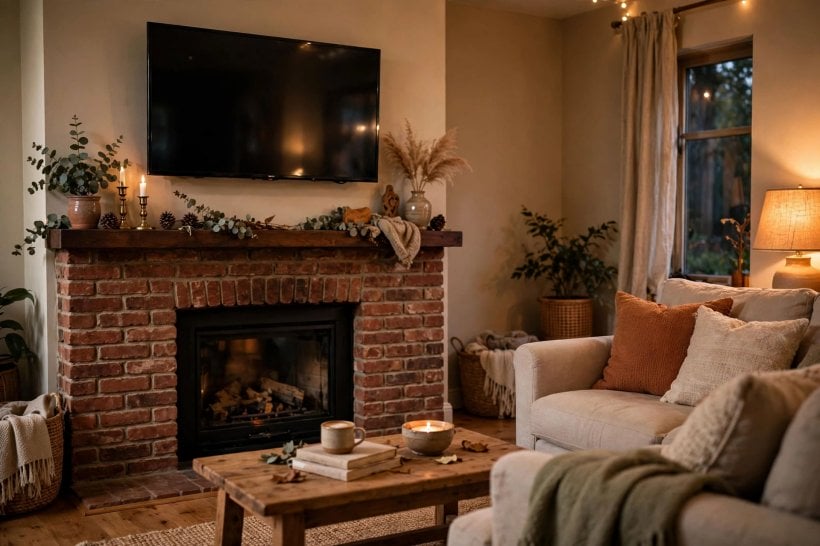
The wall you want is not always the wall you should use. Fireplaces tempt everyone, because the seating already faces them, but the mantel usually pushes the screen well above seated eye level, and heat and soot are real considerations. If the fireplace wall is genuinely the only option, a tilting mount that angles the screen down, honest testing with a taped outline, and strict attention to the manufacturers’ clearance guidance are non-negotiable.
Windows matter just as much. A screen opposite a bright window becomes a mirror by day, and no height fixes glare, though a tilting or swivelling mount can dodge reflections at the hours you watch most. Check doors and walkways too: a wall people constantly cross in front of makes any height feel wrong. Sometimes the best mount is on the plainer wall at the perfect height, with the seating turned to meet it, a layout lesson that runs through the homes in our look at tiny barn house interior design, where chimney breasts and beams set their own terms.
Do not forget what lives below the screen. A radiator under the TV will bathe it in rising heat, a tall media cabinet pushes the comfortable centre higher than you planned, and a low bench or toy storage invites small hands toward the screen. Sketch the whole wall, furniture, heat sources, sockets and all, at the height you intend, and check that the screen’s position still makes sense as part of that composition rather than as a rectangle floating in isolation.
7. Choose a Mount That Forgives
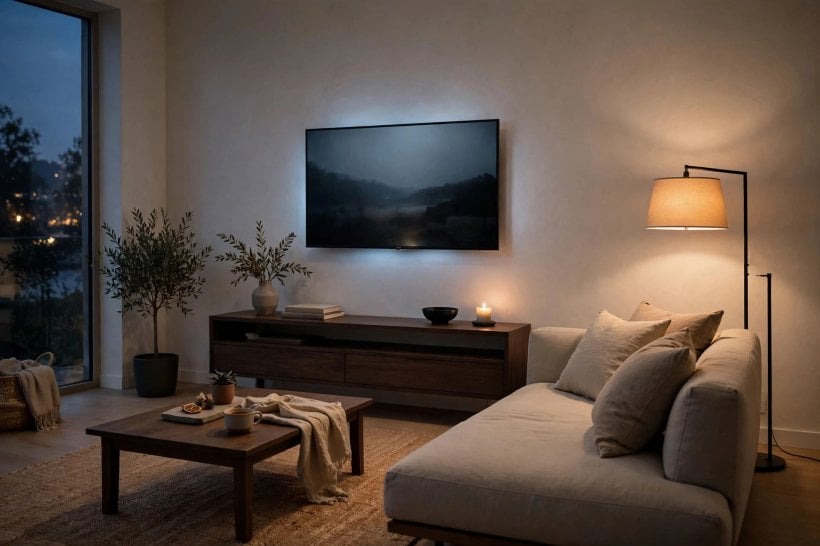
The mount is your insurance policy against small misjudgements. A fixed mount is the neatest and cheapest, holding the screen flat and close to the wall, but it demands that you get the height right first time, because it offers no adjustment afterwards. A tilting mount covers the commonest compromise, a screen placed somewhat high, by angling the picture down toward the seats, and it also helps cut reflections from windows and lights.
A full-motion mount, which pulls out and swivels, suits rooms where viewing happens from more than one place, such as an open-plan kitchen and sofa, or a screen shared between a bed and a dressing area. It costs more and needs especially secure fixing, because the leverage on the wall is greater. Whichever type you choose, follow its maker’s fixing instructions for your wall type, and check what the wall is made of before you buy: stud, brick and plasterboard each ask for different fixings, and the mount can only be as strong as what it is screwed into.
8. Cables, Soundbars and Consoles
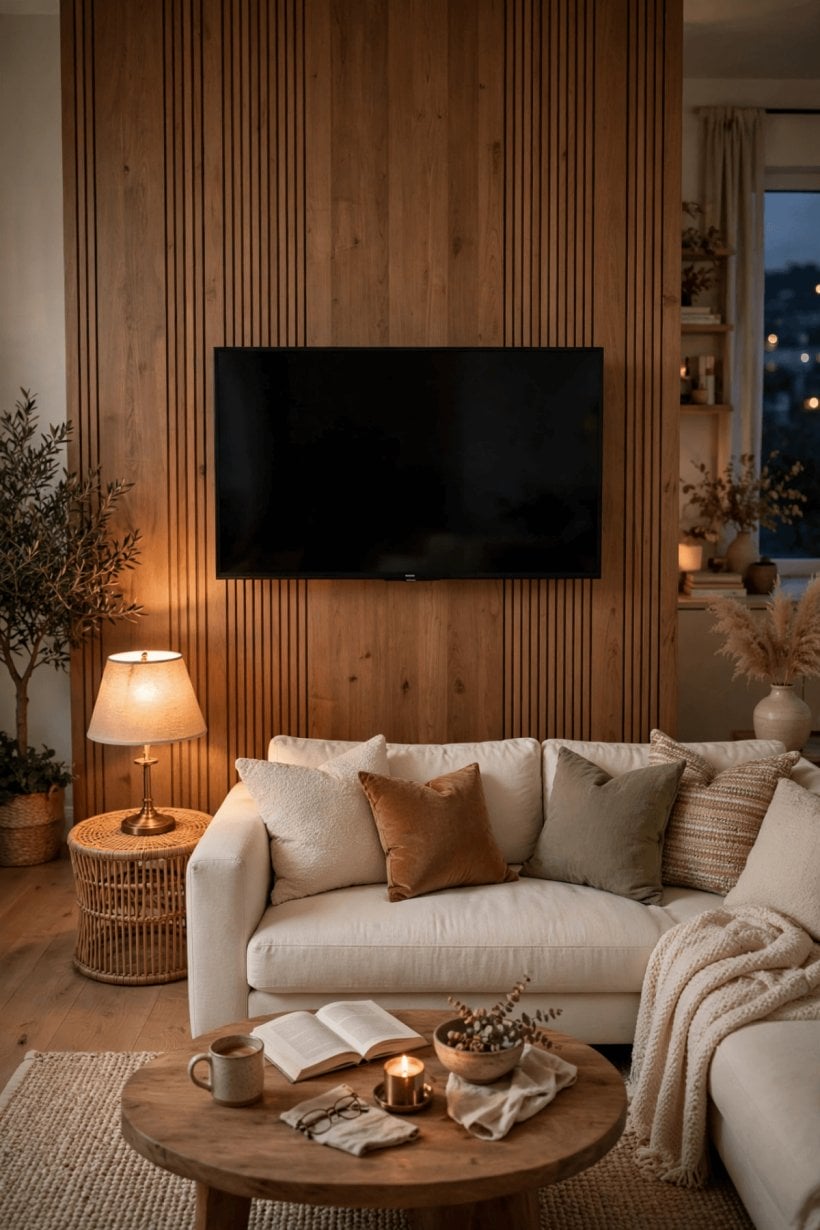
Height decisions ripple into everything that connects to the screen. Leave a sensible gap between the bottom of the TV and any soundbar or furniture below it, so sound is not blocked and remote sensors can see the sofa. A soundbar mounted just under the screen keeps dialogue tied to the picture; one left on a low cabinet while the screen floats high can make voices feel oddly detached from faces.
Plan the cables before the mount goes up, not after. Decide where the plug sockets are, how consoles, streaming boxes and recorders will reach the screen, and whether cables will run in the wall, in discreet trunking painted to match, or inside a cable spine down to the cabinet. Nothing undermines a carefully judged height like a bundle of wires dangling beneath the screen drawing every eye downward. Builders of small homes learn this early, and the projects in our guide to how to build your own tiny house treat cable routes and socket positions as part of the design, not an afterthought.
Sockets deserve a decision of their own. A socket hidden behind the screen gives the cleanest result but must sit where the mount and the TV’s back panel allow, and it should be planned with the same care as the height itself. If sockets already live at skirting level, a slim vertical trunking run in the wall’s colour is an honest, reversible answer that still looks tidy, and it keeps every cable reachable when devices change, as they always do.
9. Test It Before You Drill
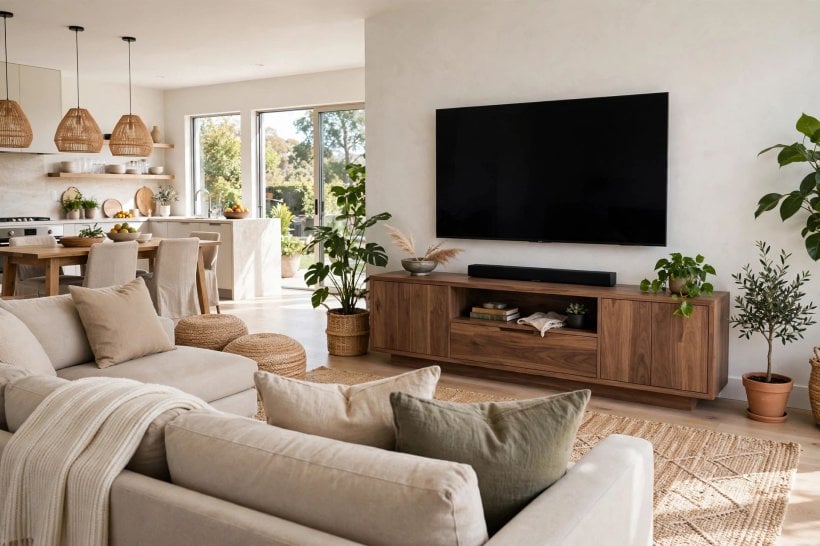
The cheapest mounting tool you own is a roll of painter’s tape. Mark the exact outline of your screen on the wall at the height your seat tests suggest, including the frame, then sit down and watch the wall through a full programme, an episode, a match half, the length of session you actually enjoy. Look at the outline while tired, while eating, while lying back. If your head feels neutral and your eyes rest inside the outline without effort, you have your height.
Live with the outline for a day or two if you can, because morning light and evening lamps change how a wall feels, and other household members deserve a vote from their own seats. Adjust the tape up or down in small steps rather than one big jump, and mark each trial lightly so you can compare. This slow testing is exactly how thoughtful decorators treat the bedrooms in our bedroom interior design for tiny houses guide: nothing is fixed until the people living there have sat with it, literally, and found it comfortable.
10. Common Mounting Mistakes
The classic mistake is mounting for standing eye level, often because the person marking the wall was on their feet with a tape measure. The second is copying a showroom or a friend’s house, where different seating and screen sizes made a different height correct. The third is centring the TV on the wall or above the furniture for symmetry alone, letting decoration overrule comfort for the next decade of evenings.
Other regular errors: forgetting that a new, deeper sofa will lower everyone’s eye line; ignoring the tilt of a recliner; placing the screen so high that a tilting mount cannot rescue it; and drilling before checking for pipes, cables and studs in the wall. Each is avoidable with the same cheap tools, a tape outline, a pencil, a stud finder and one honest evening of testing. Height is a comfort decision disguised as a DIY job, and the viewers, not the wall, should win.
Final Considerations
Finding the ideal height for tv mounting is a short process done in the right order: sit in your real seat, find your natural eye level, let screen size and distance refine the choice, pick a mount that forgives small errors, and test a taped outline through a real evening before drilling. Rooms, sofas and households differ too much for any single number to deserve your trust, and your own neck is a far better instrument than a stranger’s chart. Take an evening over it, and the result will quietly repay you at every film night, match day and lazy Sunday for years.
One last word for renters and the commitment-shy: everything in this guide still applies if the screen ends up on a stand or a low cabinet instead of a wall. The eye-level test, the taped outline and the seat-first thinking work exactly the same way, and a stand at the right height will always beat a mount at the wrong one. Comfort is the goal; the bracket is only one way of getting there.



0 Comments