

A dedicated workspace at home changes how the whole day feels. Whether it is a spare room, a converted corner or a shared family hub, a well-planned computer room supports focused work, relaxed gaming and everyday admin without cables, glare and clutter taking over.
This guide covers layout, colour, comfort and practical costs in plain terms, so you can plan a room that works hard and still feels calm.
1. Computer Room at a Glance
Start by naming what the room must do. A single-person office needs a different layout from a shared homework, gaming and work space, and both differ from a room that doubles as a guest bedroom. The table below gathers the first decisions: who uses the room, when, with what equipment, and where the light and power already are. Answering those honestly before you buy furniture or paint prevents the most common mistake, which is copying a picture that was built for a different household, a different room shape and a different budget.
| Check | What to decide |
|---|---|
| Main use | Focused work, gaming, study, creative work, or a mix shared across the day. |
| Users | One regular user, a couple sharing, or children and adults at different times. |
| Desk position | Against a wall, facing the room, in an L-shape, or under a window with glare control. |
| Power and data | Where sockets already are, and where cables can run safely without crossing walkways. |
| Light | Daylight direction, screen glare times, and warm evening light for calls and reading. |
| Budget shape | Spend first on chair, desk and light; decorative extras can follow later. |
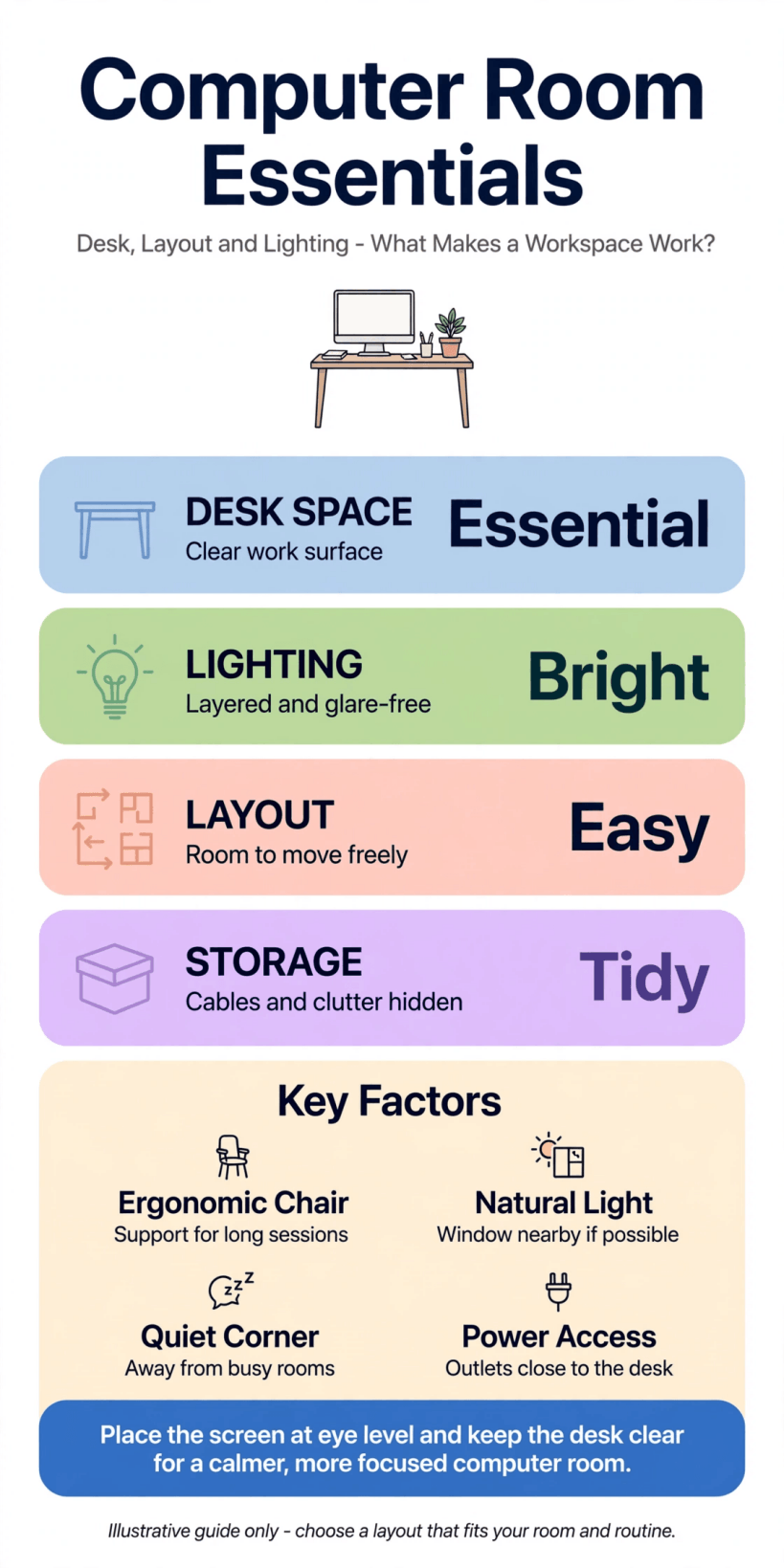
A visual summary of the layout, comfort and cable checks that make a home workspace work.
Notice how little of that table is about style. Style matters, and later sections cover colour and finish in depth, but a workspace succeeds or fails on fit: can you sit comfortably for a full session, see the screen without squinting, reach what you need, and leave the room tidy in two minutes? Keep those tests in mind as you read. Every idea that follows should pass them, whether your room is a generous spare bedroom or a wide landing with a desk tucked along one wall.
2. Plan the Layout Around the Desk First
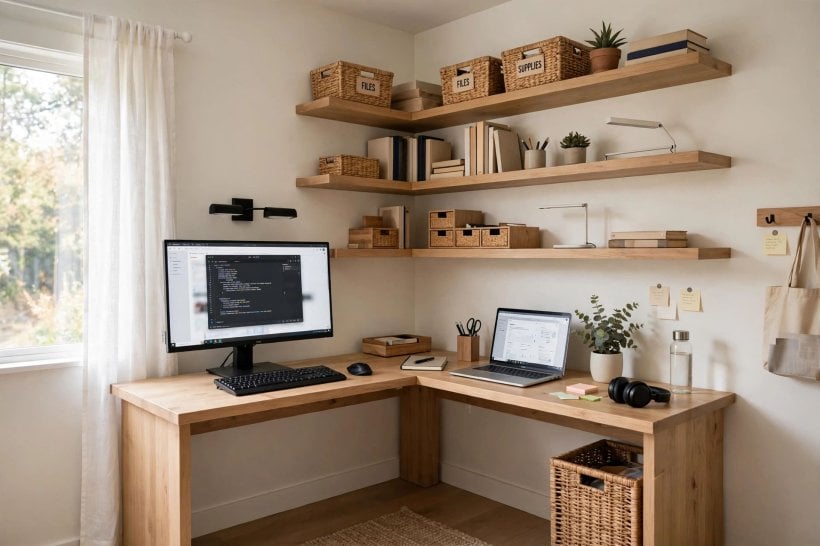
The desk is the anchor. Place it where daylight comes from the side rather than directly behind the screen or straight into your eyes, and where the door does not swing into your chair. Leave clear space behind the chair to stand up without shuffling sideways, and keep the main walking route through the room free of bags, printer stands and trailing leads. In a small room, a straight desk against the longest wall usually beats a corner unit that promises more surface but steals more floor.
Shared rooms benefit from zoning. One desk along a wall for the main user, a smaller table or a fold-down surface for occasional use, and a shared storage unit between them keeps peace better than two people competing for one large desk. If the room also hosts guests, choose a layout where work can close away or clear quickly, rather than one that spreads permanently across the bed. The zoning habit is familiar from our tiny house living room ideas, where each activity gets a defined patch instead of the whole room all the time.
Sketch the layout to scale, even roughly, and mark sockets, radiators, windows and the door swing. Live with the sketch for a day and walk the routes in your head at busy moments: two people passing, a chair rolled back, a printer opened. That rehearsal costs nothing and routinely saves the price of a desk that almost fits.
3. Choose Desk Size, Shape and Storage That Fit the Work
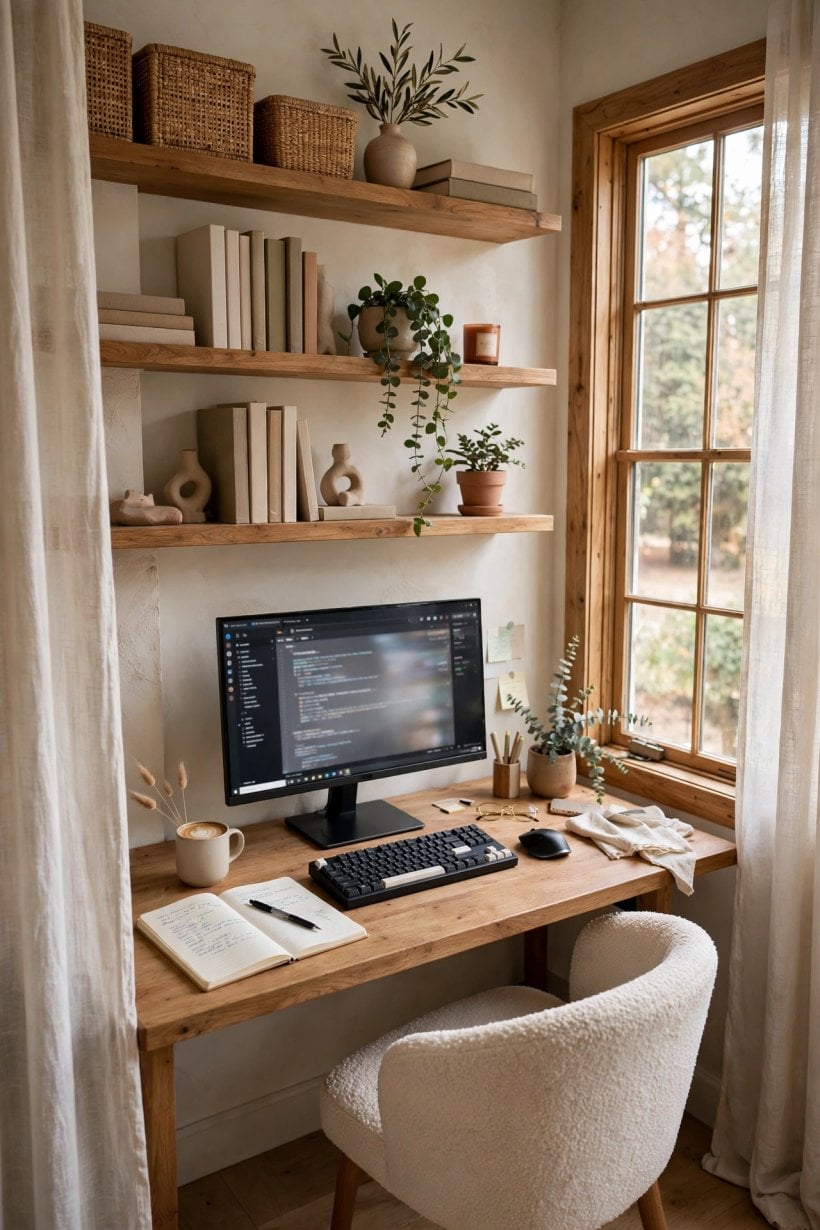
Desk depth decides comfort more than width. You need room for a screen at a comfortable viewing distance, a keyboard with wrist space in front, and still a margin for a notebook, a drink placed safely away from equipment, and the small clutter of a real working day. A desk that is too shallow pushes everything into a cramped line; too deep, and it eats the room and collects piles at the back. Measure your equipment, including monitor stands and laptop docks, before trusting any showroom impression.
Shape follows the room. Straight desks suit most spaces and are easiest to extend later. L-shaped arrangements can separate a main screen from a writing or craft area, but only help if both wings will genuinely be used. Standing and adjustable options appeal to many people, yet the best desk is still the one that pairs with a chair you have set up properly, at a height where shoulders relax and feet rest flat. Test the combination, not the desk alone.
Storage should live within arm’s reach for daily items and further away for archives. A shallow drawer for cables, drives and stationery, a shelf or cupboard for paper and spare equipment, and a specific home for the printer stop the desktop becoming the storage system. In compact homes, that discipline is everything, as our tiny barn house interior feature shows: surfaces stay useful when storage is planned, not improvised. Leave one clear corner of desk empty on purpose; it is where the next task lands.
4. Get Seating, Posture and Screen Position Right
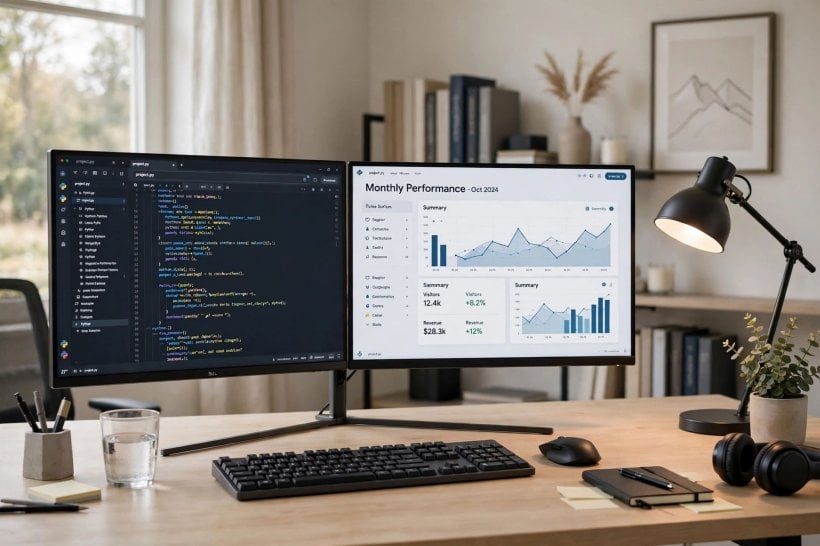
If the budget stretches anywhere, stretch it at the chair. You will sit in it far longer than you will look at the paint colour. Look for adjustable height, a back that supports your natural curve, and a seat depth that lets your feet rest flat with a small gap behind the knees. Armrests help some people and hinder others, especially under low desks, so treat them as optional rather than a badge of quality. A modest chair adjusted carefully beats an impressive one left at factory settings.
Set the screen so its top is around eye level or a little below, far enough away that you are not leaning in, and square to your chair so your neck stays neutral. Laptop users working long hours benefit from raising the laptop and using a separate keyboard and mouse, which transforms posture more than any accessory cushion. Build in movement, too: a room layout that makes it easy to stand, stretch and refill a drink will do more for an aching back over a year than any single purchase.
Shared and family rooms need adjustability most of all. A chair that can change height, a footrest for smaller users and a screen that tilts easily let the same desk serve a teenager’s homework and an adult’s workday. That flexibility mirrors the restful, adaptable thinking in our tiny house bedroom ideas: comfort is personal, so the room should adjust to the person, not the other way round.
5. Use Colour to Support Focus and Calm
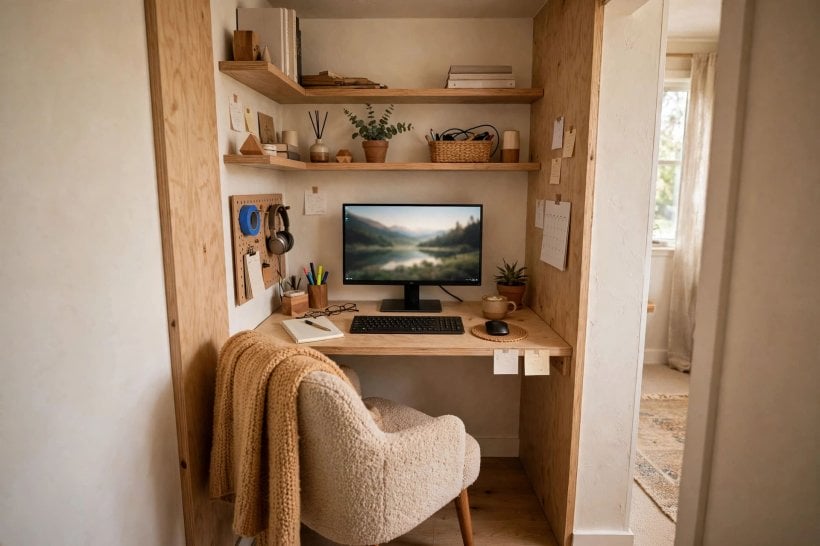
Colour in a workspace has a job: keep you alert without wiring you, and calm without sending you to sleep. Soft neutrals, muted greens and blues, and warm off-whites behind the screen reduce visual noise and screen contrast glare. Strong colours can work beautifully on one wall, in furniture or in art, but a fully saturated room can tire the eyes during long sessions and distort how colours look on screen, which matters for photo, video and design work.
Balance the palette with materials. A warm timber desk against a cool wall, black equipment softened by a woven rug, or white furniture warmed by a cork board and plants all stop the room feeling like a showroom or a server cupboard. Test paint on the wall the screen faces and the wall behind you, because video calls show the world your background, not your view. A background that looks tidy, warm and uncluttered is a practical asset, not vanity.
If you love bold colour, dose it where you can change it: a chair fabric, cushions on a reading seat, storage boxes, a lamp. Our feature on a colourful tiny house interior makes the same case at home scale: confident colour in movable layers gives energy without commitment. The walls can stay the calm frame that lets work, and colour, breathe.
6. Light the Room for Screens, Paper and Video Calls
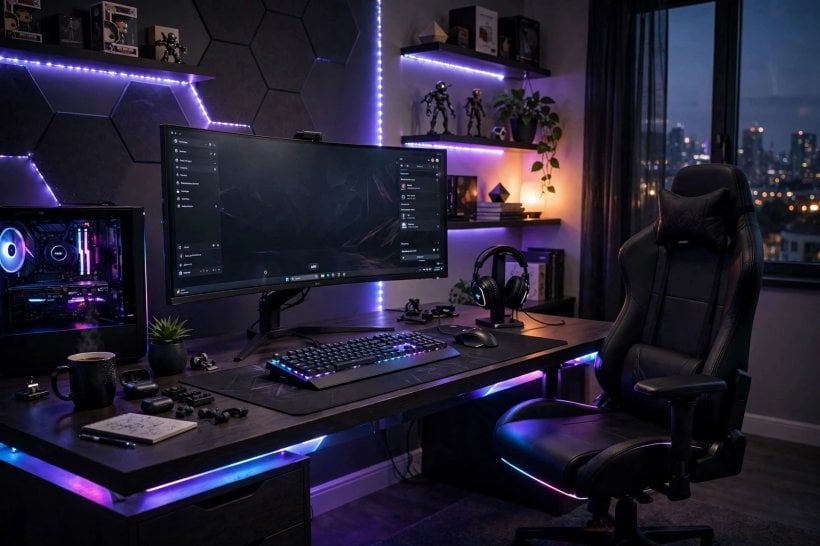
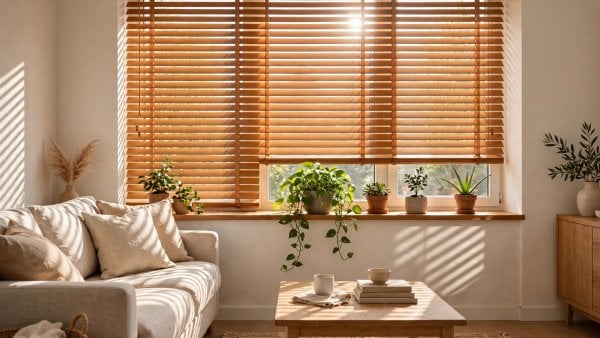
Workspace light needs layers. Daylight is the base, controlled by blinds or sheer curtains so the screen stays readable at bright times without sealing the room in gloom. A ceiling or ambient light covers general use and dark winter afternoons. A desk lamp handles paper, reading and the focused pool of light that makes evening work feel cosy rather than institutional. Put the lamp on the opposite side to your writing hand to reduce shadows, and choose a bulb colour that feels natural to you at night.
Video calls deserve their own test. Sit in your chair, start the camera and look honestly: light falling from in front flatters and clarifies, light from behind turns you into a silhouette, and a strong side light can look dramatic when you wanted friendly. A small lamp or a repositioned desk light usually fixes it, but only a real test reveals it. Do the same check at the time of day your calls usually happen, because a room that films beautifully at noon may fail at dusk.
At night, a good computer room should wind down with you. Warm, dimmable light, a screen you can lower in brightness, and no harsh overhead glare make it easier to finish work and leave it behind. That day-to-night flexibility is a lesson borrowed from our bedroom interior design for tiny houses coverage: rooms that change mood with the hour get used more and resented less.
7. Tame Cables, Power and Everyday Tech Clutter
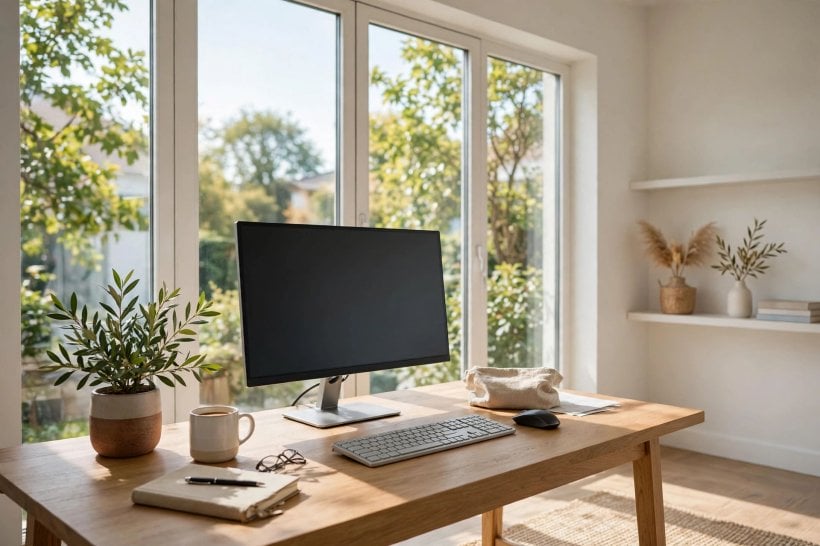
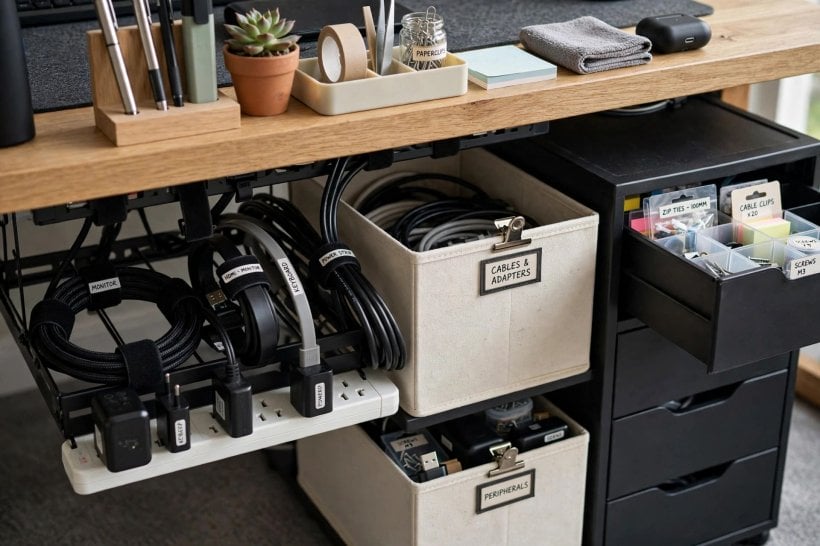
Nothing dates or dirties a workspace faster than cable chaos. Plan power from the desk outward: equipment grouped near enough to sockets that extension leads stay short, tidy and off the walking floor. Cable trays under the desk, simple clips along the back edge and labelled chargers turn the underside of the desk from a nest into a system you can actually maintain when a device changes. Keep ventilation in mind; power supplies and consoles need air, not a sealed box of warmth.
Decide where the transient tech lives. Phones charging, a tablet, headphones, a games controller and a work laptop all arrive daily and all need a parking spot that is not the middle of the desk. A small tray, a shelf by the door or a drawer with cable access handles them gracefully. Printers and scanners, used weekly rather than hourly, can live on a side unit or in a cupboard with the door open during use, freeing prime desk space for the work that happens every day.
Tidiness systems only survive if they are easy, a truth our guide to how to build your own tiny house applies to whole homes: plan services and access first, not as an afterthought. Spend ten minutes at the end of the week returning cables, spares and paper to their homes, and the room resets itself. The goal is not a photograph; it is a Monday morning that starts without untangling anything.
8. Add Sound, Privacy and Comfort for Calls and Focus
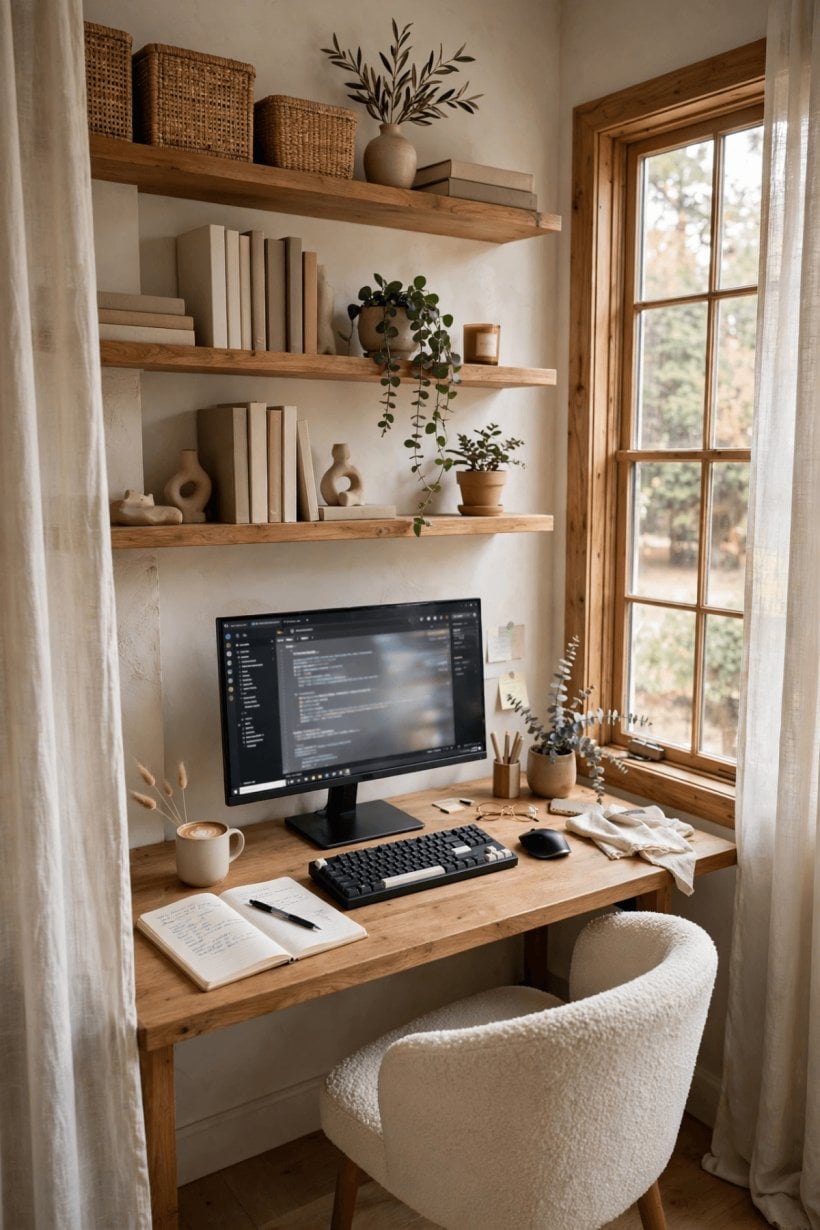
A room can look right and still fail on sound. Hard floors, bare walls and a glass desk bounce voices around calls and make concentration harder in a busy house. Soft layers fix most of it: a rug, curtains, upholstered seating, bookshelves and even a pinboard all absorb echo and calm the room’s feel. You do not need studio treatment; you need enough softness that a call sounds clear and the room does not ring when the door closes.
Privacy is partly acoustic and partly visual. A door that closes properly, a layout where screens do not face the doorway, and a household agreement about knocking during calls solve more problems than any gadget. In shared or open spaces, a screen, a tall plant or a bookshelf used as a divider can define the work zone and signal that the person there is somewhere else mentally, even if they are only a few steps away.
Comfort details finish the job: a room that is too hot, too cold or stuffy will empty itself by mid-afternoon. Check heating, a window that opens or a quiet fan, and a place for a water bottle and a hot drink that is not balanced beside the keyboard. Small physical comforts, repeated daily, are what turn a spare room with a desk into a computer room people actually choose to work in.
9. Budget Honestly: Where Money Helps and Where It Does Not
Costs in a workspace divide into things you feel every hour and things you mostly look at. Chair, desk, screen position and light are felt constantly, so they deserve the first and largest share of any budget. Storage, paint and a decent rug come next, because they change daily tidiness and sound. Decorative extras, matching accessories and the second plant can wait, and buying them last, once the room works, almost always leads to better choices and less waste.
Be honest about hidden costs. Electrical work to add sockets, a better router or cabling, blinds for glare, and disposal of an old desk all belong in the plan from the start, not as surprises. Equally, some of the best improvements are nearly free: rearranging the layout, raising a screen on books temporarily while you test heights, decluttering two drawers, or moving a lamp. Spend where a problem is proven, not where a catalogue suggests one might be.
Phase the room if money is tight. A safe, comfortable desk setup now, storage next month, colour and finishing touches last is a perfectly respectable order, and it spreads decisions across real experience of the room. Our tiny house landscaping ideas take the same phased approach outdoors: structure first, planting and polish later, with each stage leaving the space usable. A workspace built in calm stages rarely needs expensive correction.
10. Finish With Storage, Plants and a Reset Routine
The last layer is what makes the room sustainable. Give paper a route: in-tray, action, file or recycle, with no fourth destination called the desk corner. Keep reference books and manuals within reach and everything else out of the room entirely. A small shelf for the current project, a box for cables and spares, and a hook for headphones cover most needs. When storage fills, something leaves; that single rule protects the room from the slow creep that undoes every new workspace within a year.
Plants earn their place here, too, softening equipment, improving the view on calls and giving the eyes a natural resting point away from the screen. Choose plants that suit the room’s actual light rather than the light you wish it had, and group them where watering is easy and drips cannot reach equipment. One thriving plant beats five struggling ones, in looks and in conscience.
End each day with a two-minute reset: chair tucked in, desk surface clear except for tomorrow’s first task, cables in their tray, cup to the kitchen. That tiny ritual, borrowed from the way a calm tiny house bathroom is left ready for the next morning, is what keeps a computer room feeling like a place you choose, not a place you endure. Rooms stay nice because of endings, not launches.
Final Considerations
A good workspace is a fit between a person, a set of tasks and a real room with real light, sockets and dimensions. Plan the layout around the desk, invest first in chair, surface and light, choose colour that supports focus, and build systems for cables, storage and sound that are easy enough to keep on an ordinary week.
Do that, in stages if you need to, and any room, spare, shared or borrowed, can become a calm, capable place to work, study and create. Start with the measurements, test before you spend, and let the room prove each idea before you buy the next one.


0 Comments