

People go looking for the best thing to watch and end up discovering the less glamorous truth: the room was the problem all along. A screen that is too far away, a sofa at the wrong angle, daylight washing the picture out, sound bouncing off bare walls — no programme survives a bad setup, and almost any programme improves in a good one. This guide is about the setup.
It works through the checks in the order a room presents them: the space itself, the screen’s size and distance, its height, the seating, the light, the sound, the furniture the screen lives on, and the cables and air behind it all. Everything is stated generally — no products, no prices, no rankings — because rooms differ and the checks do not.
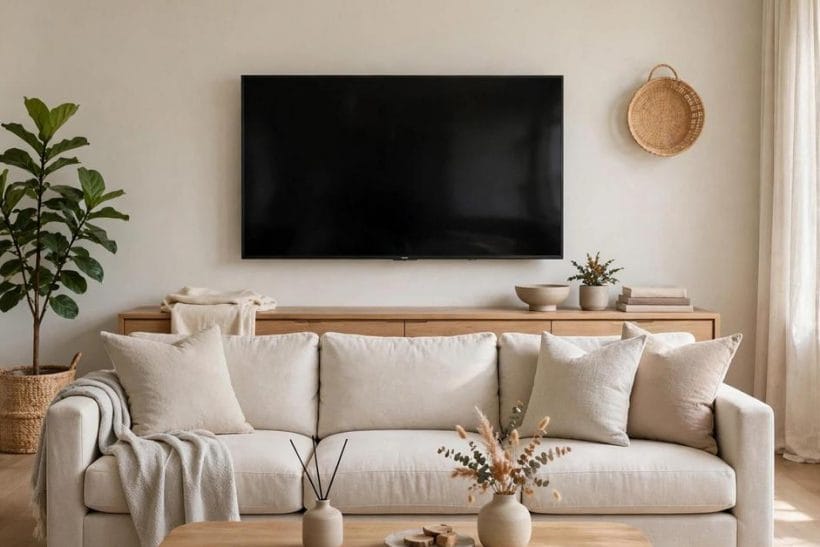
1. TV Viewing Setup at a Glance
Scope first. This guide owns the viewing setup itself — the relationship between screen, seats, light and sound in one room. The picture-led companions are elsewhere on the site: living room TV ideas for arrangements built around a set, living room with a media wall ideas for the built-in end of the spectrum, living room TV stand ideas for the furniture the screen sits on, farmhouse living room ideas for a styled room that still has to work every evening, how to decorate a tiny living room for the same problems at small scale, and the furniture quality check guide for judging the pieces involved. Here, everything serves the viewing.
One rule governs the whole guide: comfort is geometry before it is technology. Distance, height and angle decide most of what you feel; the screen’s specification decides the rest. Measure the geometry first.
| Check | What to settle | Why it matters |
|---|---|---|
| Distance | Screen size against seat position | Decides whether the picture fills or floats |
| Height | Centre of screen against seated eye level | Decides neck comfort over a whole evening |
| Light | Glare sources and evening balance | Decides whether the picture survives daylight |
| Sound | Speaker position and room echo | Decides whether dialogue stays clear |
| Support | Mount, stand or media wall | Decides stability, height and cable order |
2. Start With the Room, Not the Screen
Shops arrange screens in a glowing row and invite you to choose the impressive one. Rooms are not shops. The right screen is the one that fits the wall, the seats and the light you actually have, and those three are measurable before any purchase is considered.
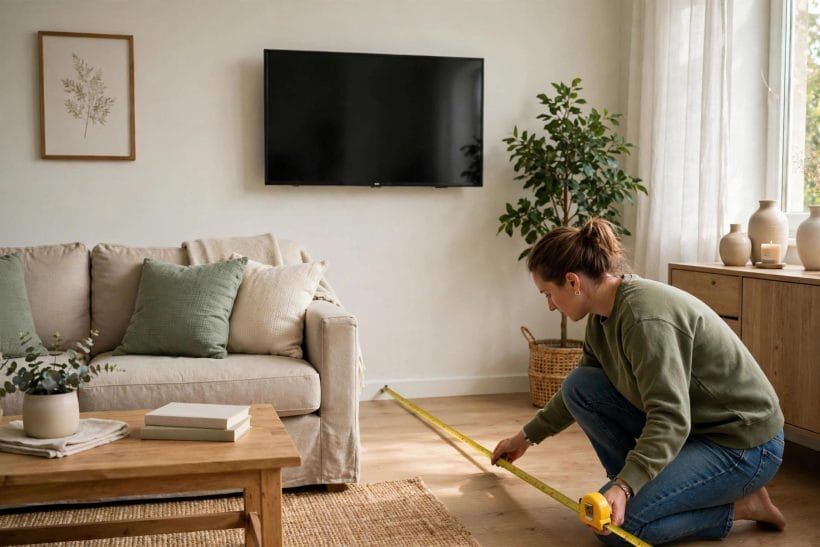
1. Measure the wall and the seat line first
Two measurements frame everything: the width of wall the screen can occupy, and the distance from that wall to where people’s heads actually rest. Not the front of the sofa — the head position, which is where eyes live. Write both down; every later check refers back to them.
2. Count the seats that matter
A setup serving one favourite chair is a different problem from a setup serving a family sofa plus guests on the floor. Decide which seats are everyday seats and arrange for them; occasional seats can compromise, everyday seats should not have to.
3. Note where the light already comes from
Windows, doors and lamps are fixed facts in most rooms. Sketch them against the screen wall before choosing anything, because the light map decides where a screen can go far more often than the furniture does.
3. Screen Size and Viewing Distance
Size and distance are one decision, not two. A screen earns its size by filling a comfortable portion of your view from your seat — too little and you lean forward all evening, too much and your eyes patrol the picture instead of resting in it.
4. Match the diagonal to the head distance
The general relationship used across the industry ties screen size to viewing distance: sit closer, and a smaller screen fills the same view; sit farther, and the screen must grow to hold it. Use your measured head distance as the anchor and treat size recommendations as a range to test from your own chair, not a command. A practical home test: mark the proposed screen’s outline on the wall with painter’s tape and live with it for a day. Cardboard geometry is humble, but it has settled more size arguments than any specification sheet.
5. Sharper pictures allow closer seats
The finer the picture’s detail, the closer you can sit before the image itself becomes the distraction. In practice this means a modern, detailed screen can sit nearer — or a larger screen can serve the same distance — than an older, softer one could.
6. Test with the content you watch most
Films forgive a large picture; text-heavy content and games punish a small one, and news tickers at the screen’s edge reveal a too-wide setup quickly. Judge size against your everyday viewing, not against the most spectacular thing you might watch once a year.
4. Screen Height and Viewing Angle
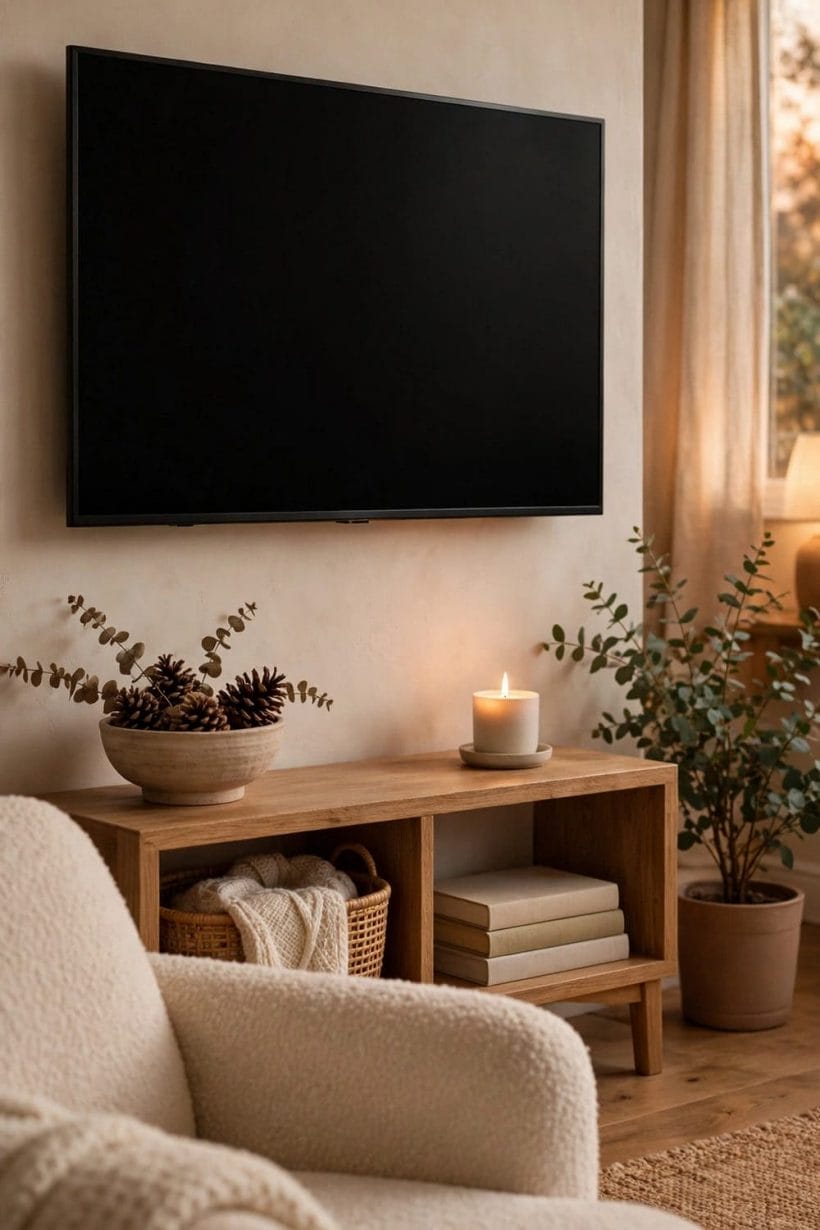
Height is the check most often got wrong, because screens get hung like pictures — centred on the wall — when they should be placed like conversations: at the eye level of the people using them.
7. Centre the screen on seated eye level
From a sofa, your eyes rest well below the wall’s midpoint. The comfortable screen centre is roughly at that seated eye level, so the head stays neutral and the gaze falls straight ahead rather than tilting up for hours.
8. Beware the above-fireplace compromise
A screen mounted high over a fireplace can look handsome and feel punishing, because the neck pays for the composition every evening. Where that position is unavoidable, tilting mounts and lower seating are partial corrections — and honesty about how often the room is really used for long viewing is the first check of all.
9. Keep side seats inside a sane angle
Every screen’s picture holds up within a range of viewing angles and degrades outside it — colours wash and contrast falls. Arrange everyday seats inside the generous middle of that range, and let the extreme side chairs be guest seating rather than someone’s permanent place.
5. Seating: Distance, Angle and Comfort
10. The best seat should not need negotiating
In a working setup the natural seat — the middle of the sofa, facing the screen squarely — is also the best seat. If the room’s layout makes its most-used position a compromise, rearrange the furniture before upgrading any equipment; geometry is free.
11. Recline changes the geometry
Reclined seating tips the head back and lifts the eye line, which quietly raises the comfortable screen height and lengthens the effective viewing distance. Set the screen for the position people actually watch in, cushions and recline included, not for how the room looks standing up.
12. Leave the floor seats a fair picture
Children and guests often watch from the floor or low seats, where a screen set for sofa height looms. A slight downward tilt serves both levels better than a flat mount set for either one alone.
6. Light: Glare, Reflection and Evening Viewing
13. Never face the screen into a window’s reflection
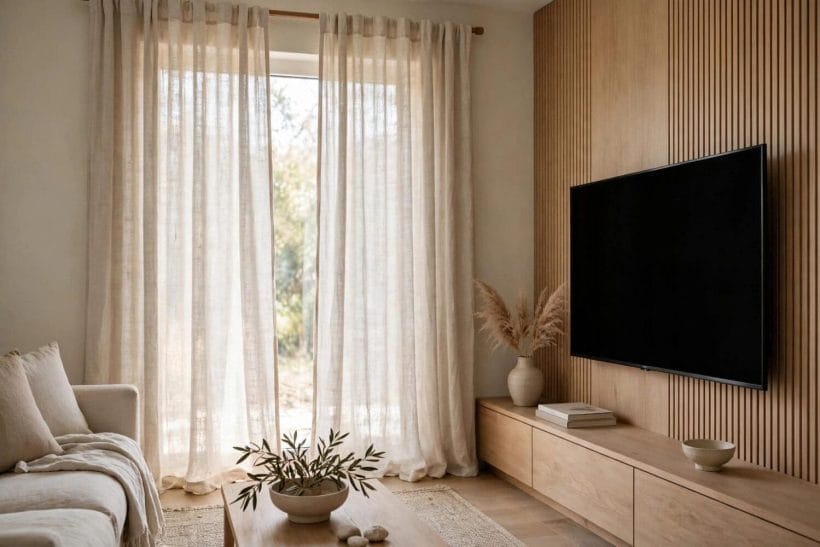
A screen opposite a bright window becomes a mirror competing with its own picture. The gentlest fixes are positional — screen on a wall perpendicular to the glass — and the next gentlest is controlling the glass itself with curtains or blinds that can soften daylight without blacking out the room. Check the reflection at the times you actually watch, not at the time you happen to install: a window harmless at noon can sit exactly in the panel at six in the evening.
14. Matt light beats spot light near a screen
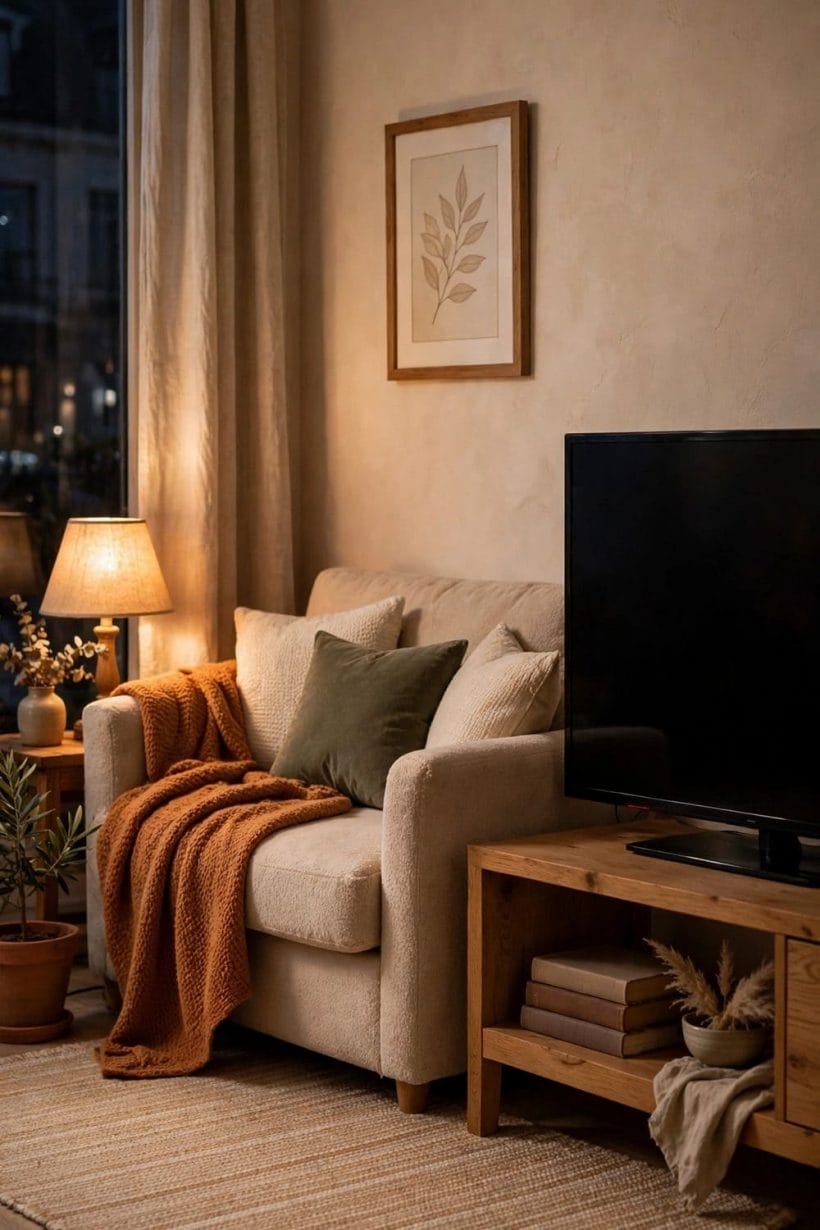
A single bright lamp reflected in the panel, or a spotlight raking across it, undoes contrast in one patch of picture. Diffuse, indirect lighting — bounced off walls or ceiling, kept out of the panel’s reflection zone — lights the room without fighting the screen.
15. Give evening viewing a low, warm balance
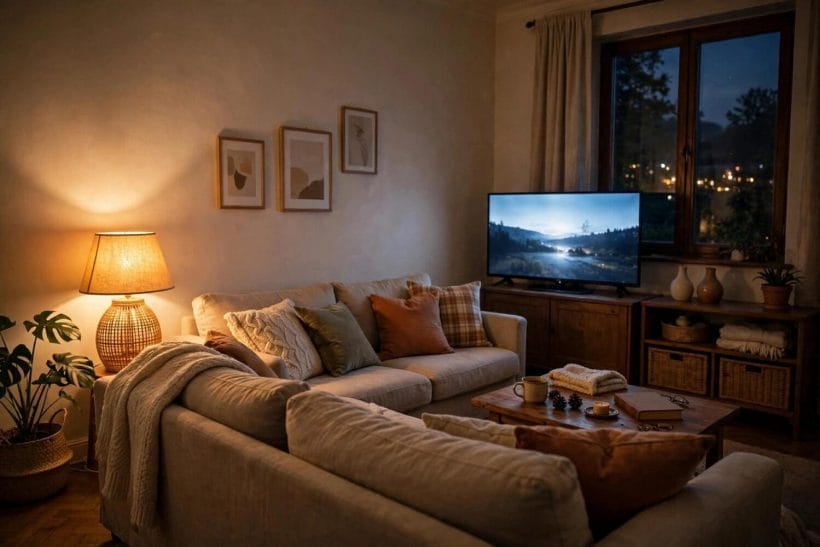
A bright screen in a pitch-dark room tires eyes, because the eye keeps re-adjusting between the glowing rectangle and the black around it. A soft light behind or beside the screen narrows that gap and is one of the cheapest comforts in the whole setup.
7. Sound: Speakers, Spread and Room Echo
16. Dialogue lives in the centre
Most of what you strain to hear is speech, and speech should arrive from where the faces are. Whether sound comes from the screen’s own speakers or from separate ones, the arrangement that keeps voices anchored to the picture is the arrangement that needs the least volume. If the household keeps reaching for subtitles or the volume keeps creeping up during conversation scenes, read that as a placement symptom before reading it as a hearing one — moving sound to the centre of the picture cures more mumbling than amplification does.
17. Symmetry beats power
Left and right sound placed evenly around the screen, at roughly ear height from the seats, builds a believable space at modest volume. One speaker crowded in a corner and one in the open will pull every scene sideways no matter how capable they are.
18. Soft rooms sound clearer than bare ones
Bare walls, hard floors and glass return sound as echo, and echo smears dialogue. Rugs, curtains, upholstered seating and book-filled shelves absorb it. A room that sounds calm when you clap in it will sound calm when people talk on screen — check the room before blaming the speakers.
8. Wall Mount, Stand or Media Wall
19. Mounting buys height control and floor space
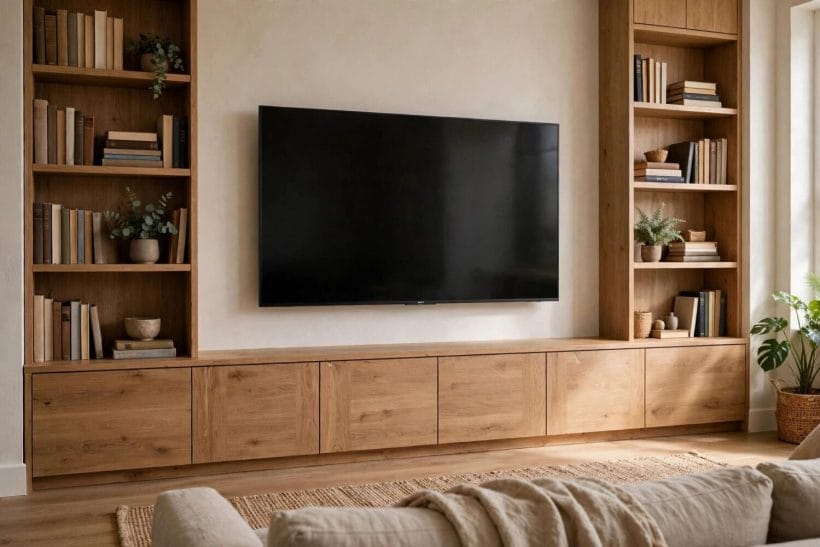
A wall mount sets the screen at exactly the chosen height, frees the surface below, and removes the tip-over question from households with children. Its costs are commitment — the position is fixed — and the need for a sound fixing into the wall’s structure, which is work to have done properly.
20. A stand buys flexibility
A stand or console lets the screen move as the room evolves, carries the equipment beneath it, and hides a good deal of cable in the process. Check its height as carefully as a mount’s: the screen’s centre, not the furniture’s top, is the measurement that matters.
21. A media wall is a commitment to one arrangement
Built-in media walls compose the screen, storage and sound into a single finished wall, and they look resolved because everything was decided once, together. Their strength is also their warning: the geometry must be right at build time, because it will not be adjusted later.
9. Cables, Power and Ventilation
22. Plan the cable path before the screen goes up
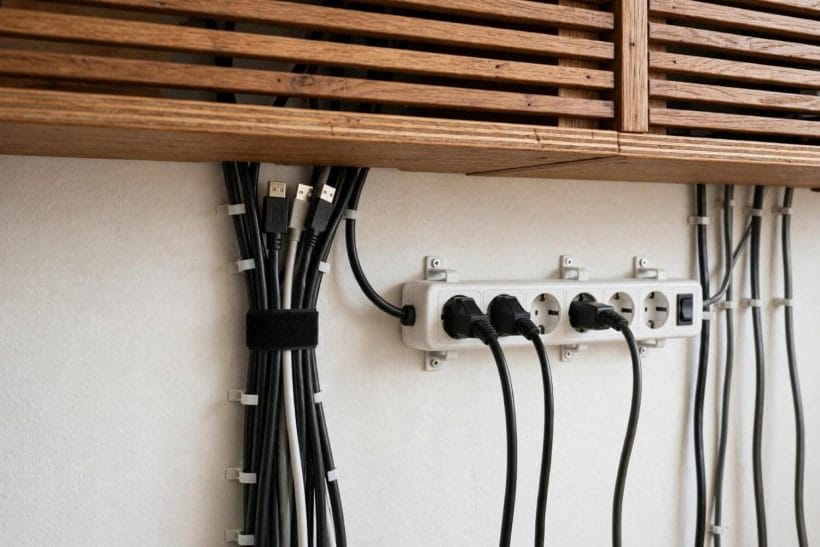
Every device needs power and most need a connection to the screen. Deciding where those runs go — through the wall, in trunking, or behind furniture — before mounting is the difference between a clean wall and a permanent waterfall of leads. Leave one spare connection in the plan. New devices arrive more often than walls get opened, and a spare run installed now is invisible insurance against the next box the household adopts.
23. Count sockets like you count seats
Screens, players, consoles, sound equipment and chargers accumulate quickly around one wall. Enough properly placed sockets, rather than a tower of adapters, is a safety matter as much as a tidiness one, and any new electrical work belongs to a qualified electrician.
24. Equipment needs air
Boxes sealed into tight cabinets with doors closed will run hot and age early. Closed storage for equipment needs ventilation — open backs, slots, or simply a door left designed for it — and the check is a hand on the cabinet after an evening’s viewing.
10. The Final Walk-Through
25. Sit in every seat at viewing time
Run the check when the room is actually used — evening light, lamps on, everyone in their real places. A setup that passes at noon can fail at eight o’clock, and the failing seat is always the one nobody tested.
26. Watch the most ordinary thing you own
Test with a normal programme, not a showcase clip: faces in conversation, a dark scene, a bright one. If dialogue is clear, faces look natural and nobody has shifted in their seat after half an hour, the geometry is right.
27. Change one thing, then re-test
When something is off, adjust the single most likely cause — angle before equipment, light before settings, position before purchases. Setups converge quickly when each change is judged on its own, and drift into expense when everything is changed at once.
Final Considerations
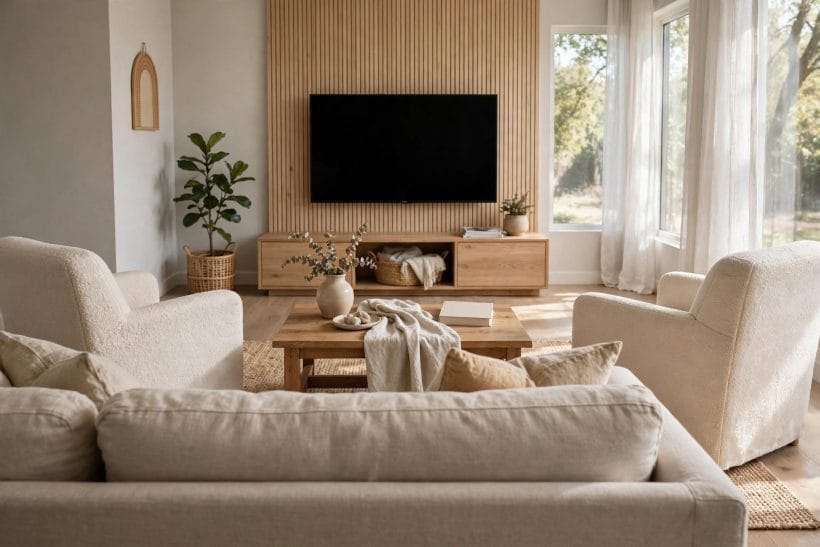
A good viewing setup is invisible, and that is the test of it: nobody in the room thinks about distance, height or glare, because nothing is asking them to. The checks in this guide are mostly free — a tape measure, an honest look at the light, furniture moved a little — and they outlast any particular screen, because the next one will hang in the same geometry. Set the room up once, properly, and then go back to arguing about what to watch.


0 Comments